New Employee Mac Setup
Prepare a Mac before the employee starts, including accounts, applications, updates and requested peripherals.
Business Mac Deployment • Edmonton
Prepare new and replacement Macs for employees with professional setup, configuration, software installation, account setup, data migration and peripheral configuration.
We help organizations reduce downtime when adding new Macs, replacing older systems, or preparing computers for new employees — without requiring a mandatory monthly IT contract.
By appointment only – no walk-ins accepted
New Mac Setup • Data Migration • Business Configuration • Edmonton
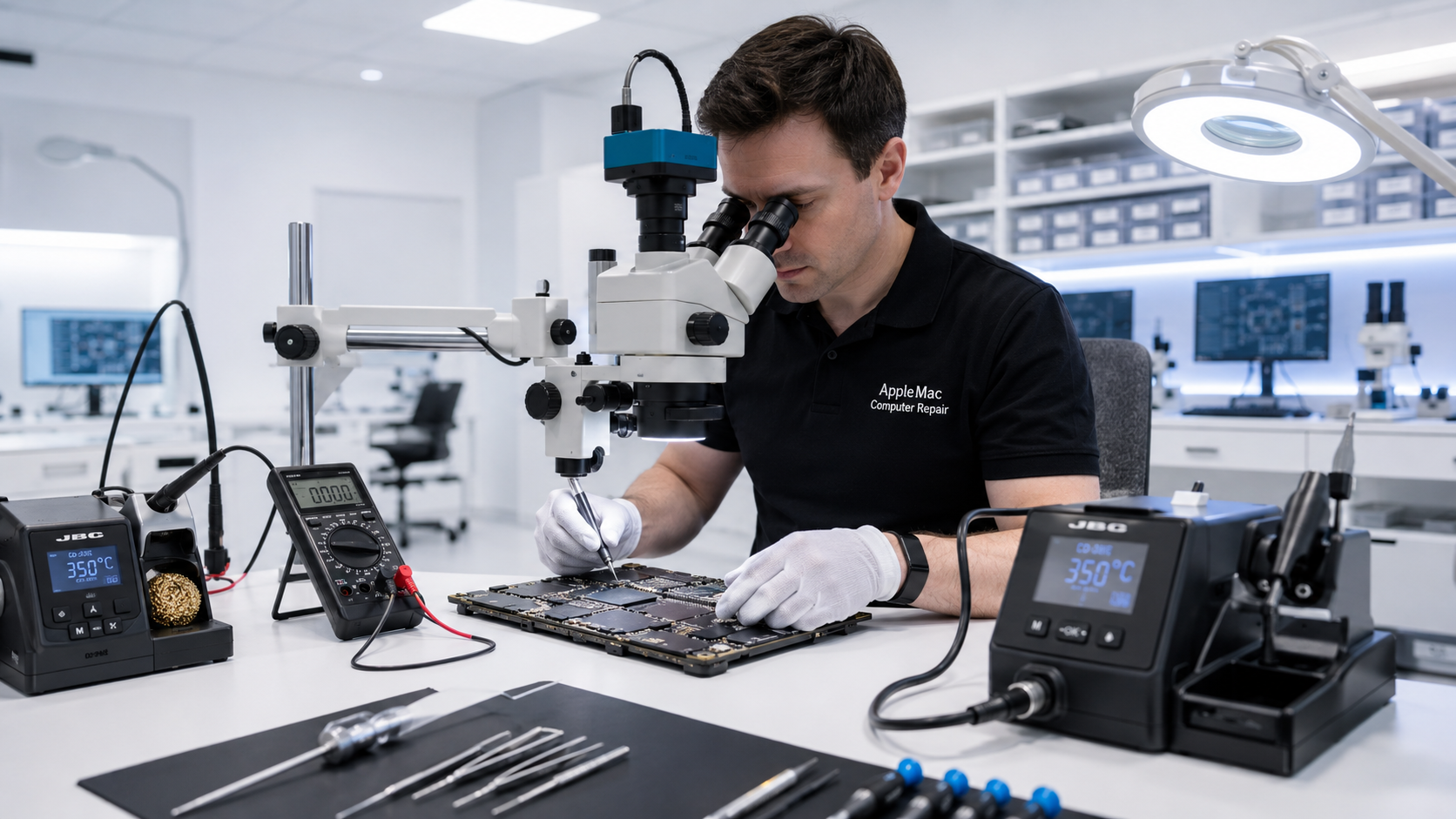
New Mac Setup
A new Mac is most useful when it is configured properly before the employee begins working. We can prepare the system with the required macOS updates, user accounts, applications, printers, peripherals and other settings requested by your business.
For replacement Macs, we can also help migrate user data and settings from the previous computer when appropriate.
Deployment Services
Prepare a Mac before the employee starts, including accounts, applications, updates and requested peripherals.
Set up a replacement Mac and migrate appropriate user data and settings from the previous computer.
Assist when several aging Macs are being replaced as part of a planned hardware refresh or office upgrade.
Prepare an existing Mac for a different user, role or department when the system is being reassigned.
Data Migration
When replacing an older Mac, we can help transfer appropriate user files and settings to the replacement system, subject to the condition of the original computer and storage device.
If the old Mac is failing or the data is particularly important, tell us before migration or repair begins so the safest available approach can be discussed.
Data transfer and repair work can involve risk. Businesses should maintain current backups whenever possible, and data preservation cannot be guaranteed.
Read the Customer Data & Data-Loss Disclaimer →Software & Applications
We can install and configure approved applications supplied or licensed by your business, along with common productivity software and required macOS updates.
Where software licensing or user credentials are required, the business or authorized user must provide the necessary licence, account or access information.
Repair or Replace?
Before replacing a business Mac, it may be worth determining whether repair or an upgrade is more practical. We can diagnose the existing computer and help you understand the available options.
If replacement makes more sense, we can then assist with preparing the new Mac and transferring appropriate user data.
Business Mac Support →MacBook • MacBook Air • MacBook Pro • MacBook Neo • iMac • iMac Pro • Mac mini • Mac Pro • Mac Studio
Flexible Business Support
We can help with a single new system or a small group of Macs being prepared for an office, team or project. Support is available on an on-demand basis without forcing your business into a large monthly managed-service contract.
Ready to Deploy New Macs?
Contact us with the number of Macs, whether they are new or replacement systems, and what applications, accounts, peripherals or data migration you need help with.
Education Deployment Support
We can help schools prepare new and replacement Macs for staff, administration and educational use. We are working with many schools, and support can be arranged for individual systems or groups of Macs as requirements change.
Repair Request
Providing the model and a clear description of the problem helps us prepare for your appointment.

Your message has been sent successfully. We’ll get back to you within one business day.