No Power / Won't Start
We diagnose power, startup and logic-board faults rather than assuming the complete board needs replacement.
Mac Studio Repair Edmonton
We diagnose and repair Mac Studio systems for no power, startup problems, storage issues, overheating, ports and connectivity faults, macOS problems, logic-board faults and data recovery.
By appointment only – no walk-ins accepted
more than 25 years of Mac repair experience • Component-level diagnosis • Free Estimate • No Fix No Fee • Repairs completed in Edmonton
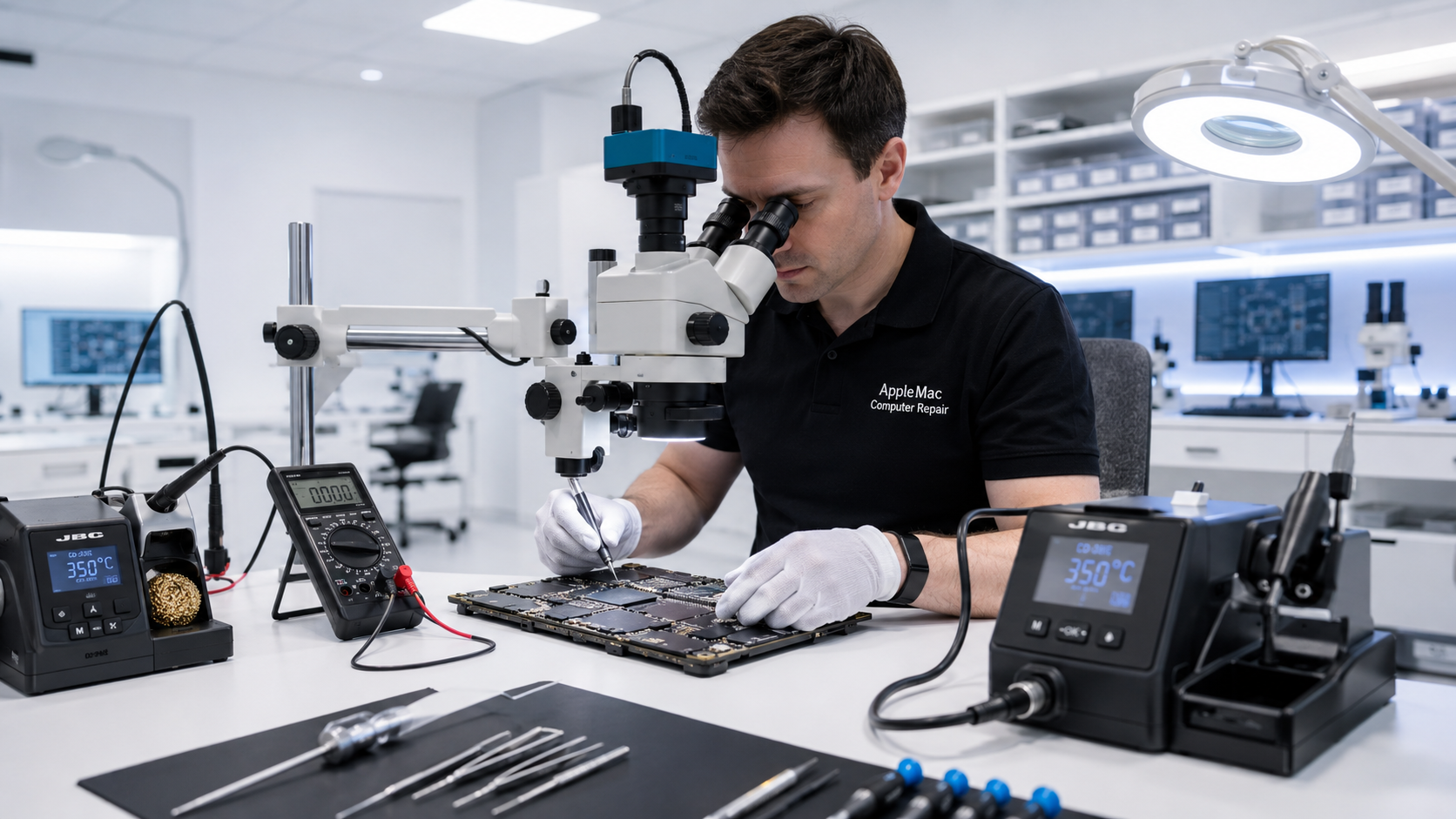
Professional Diagnosis
We diagnose power, startup and logic-board faults rather than assuming the complete board needs replacement.
USB, Thunderbolt, display output, networking and other connectivity symptoms can involve ports, cables, software or board-level circuitry.
We inspect cooling, airflow, fans, sensors and related circuitry when the system runs unusually hot or noisy.
Logic Board Repair
When practical, we diagnose failed circuits and components instead of automatically replacing the complete logic board. The repair approach depends on the exact model, fault and availability of suitable components.
Learn about Mac Logic Board Repair →Integrated Apple Silicon Design
Mac Studio systems use highly integrated hardware. Memory is not a conventional user-upgradeable RAM module, and storage/service options differ from older desktop Macs.
We identify the exact Mac Studio model and diagnose the fault before recommending repair. We do not promise conventional RAM or SSD upgrades where the hardware design does not support them.
macOS & Software
We can diagnose startup and operating-system problems and install the highest suitable macOS version for the exact model and hardware where appropriate.
Learn about macOS Upgrade →No iPhone • No iPad • No Windows computers
Data Recovery
Recovery options depend on the exact model, storage design, logic-board condition and previous repair attempts. If the data is important, tell us before an operating-system reinstall or further repair work.
Learn about Mac Data Recovery →We confirm the exact model, configuration and symptoms.
We test the relevant power, storage, cooling, software and logic-board systems.
We complete the approved repair or supported service.
We test the functions relevant to the completed work before return.
Yes. We diagnose no-power systems and perform component-level logic-board repair where appropriate.
No. Upgrade options vary by model and generation. We identify the exact hardware before recommending storage, memory or other upgrades.
Yes. We inspect cooling, airflow, fans, sensors and possible logic-board causes before replacing parts unnecessarily.
Recovery may be possible depending on the model, storage design and condition of the hardware.
Repair Request
Providing the model and a clear description of the problem helps us prepare for your appointment.

Your message has been sent successfully. We’ll get back to you within one business day.