MacBook Not Charging
The charger is connected but the battery percentage does not increase, or macOS reports that the battery is not charging.
MacBook Charging Repair Edmonton
If your MacBook is not charging, the charging port may be the problem — but it may also be the battery, charger connection, charging circuitry, liquid damage, or a logic-board fault. We diagnose the complete charging system before replacing parts.
By appointment only – no walk-ins accepted
more than 25 years of Mac repair experience • Component-level diagnosis • Free Estimate • No Fix No Fee • Repairs completed in Edmonton
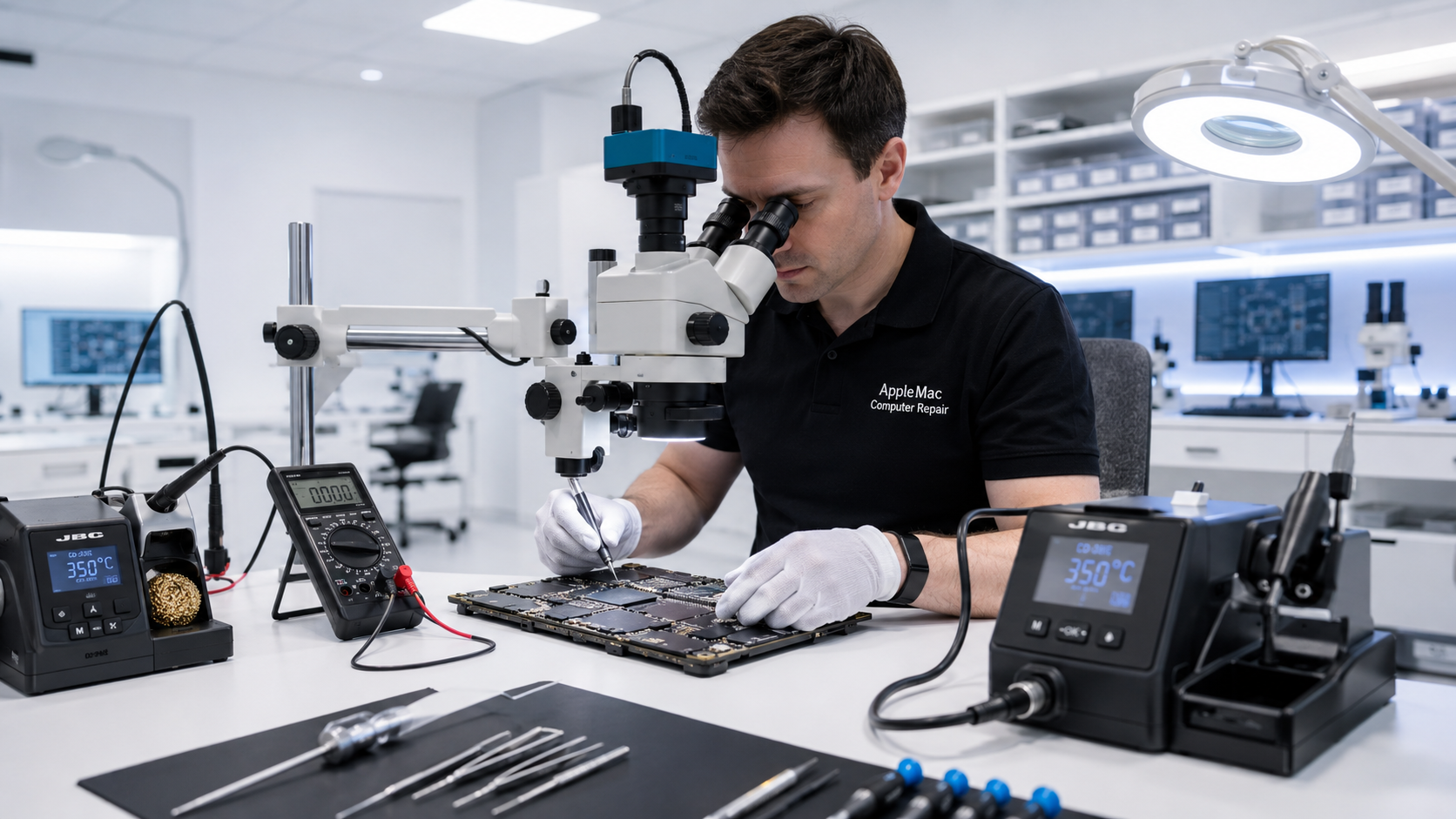
Diagnosis Before Replacement
A MacBook charging problem can have several causes. Replacing the USB-C or MagSafe charging port without first identifying the fault may not solve the problem.
We first diagnose the charging port, battery, power input and logic-board charging circuitry to determine the actual cause. If the charging port is defective, we repair or replace the appropriate part. If the fault is on the logic board, we perform component-level diagnosis and repair where appropriate.
The charger is connected but the battery percentage does not increase, or macOS reports that the battery is not charging.
The MacBook does not detect power through a USB-C port, charges only from certain ports, or the connection is intermittent.
The MacBook does not respond correctly to a compatible MagSafe charger or charging is unreliable.
Find the Actual Fault
The symptom may look the same even though the underlying fault is completely different. Proper diagnosis is important.
USB-C & MagSafe Diagnosis
If testing confirms that the charging port or associated connector assembly is defective, we repair or replace the appropriate charging component. But when the port is working and the Mac still cannot manage charging correctly, the fault may be on the logic board.
Because we perform component-level logic-board repair, we can continue the diagnosis beyond the charging port rather than automatically recommending an entire logic-board replacement.
Learn about Mac Logic Board Repair →Battery or Charging Circuit?
A worn battery can fail to accept or hold a charge, while a healthy battery cannot charge properly if the Mac has a charging-circuit fault. We distinguish between these conditions before recommending battery replacement.
Learn about MacBook Battery Replacement →No iPhone • No iPad • No Windows computers
We reproduce the charging symptom and test with appropriate known-good charging equipment.
We inspect and test the charging port, battery and relevant power and charging circuitry.
We repair or replace the defective charging component, or perform component-level logic-board repair when appropriate.
We verify charger detection, battery charging behavior, relevant ports and overall stability after repair.
Important for Charging Problems
If your MacBook is being brought or mailed to us specifically for a charging issue, please include the charger, charging cable, or MagSafe adapter that you normally use with the computer.
This allows us to test your MacBook with your own charging equipment as well as our known-good compatible chargers. Comparing both helps us determine whether the fault is in the charger or cable, the charging port, the battery, or the MacBook’s charging and logic-board circuitry.
Read Canada-Wide Mail-In Repair Instructions →Not necessarily. The fault may be the charging port, battery, charger connection, charging circuitry, liquid damage or a logic-board component. We diagnose the charging system before replacing parts.
Yes. We diagnose USB-C charging faults and determine whether the problem is the port or connector assembly, another charging component, or the logic board.
Yes. We diagnose MagSafe charging issues on compatible MacBook models and determine whether the fault is associated with the connector, battery, charging path or logic board.
This can be caused by a port or connector problem, contamination or damage, or an internal charging-circuit fault. Testing is required to determine the cause.
Yes. A deteriorated battery may not accept or hold a charge, but similar symptoms can also come from the charging system. We distinguish between them before recommending replacement.
Yes. If the MacBook is being serviced specifically for a charging issue, please bring or send the charger and charging cable or MagSafe adapter you normally use. We will compare your charging equipment with our known-good compatible chargers as part of the diagnosis.
Most of our repair work is completed within 24 to 48 hours. Complex logic-board faults or parts availability may require additional time.
Repair Request
Providing the model and a clear description of the problem helps us prepare for your appointment.

Your message has been sent successfully. We’ll get back to you within one business day.