Mac Won't Start Properly
Startup loops, progress bar problems, blank screen after startup, repeated restarts or macOS failing to load.
Mac Software Troubleshooting Edmonton
Mac running slowly, freezing, crashing, failing to update or having startup, browser or application problems? We diagnose the complete system to determine whether the cause is macOS, an application, storage or an underlying hardware problem.
By appointment only – no walk-ins accepted
more than 25 years of Mac repair experience • Free Estimate • No Fix No Fee • Hardware & software diagnosis • Repairs completed in Edmonton
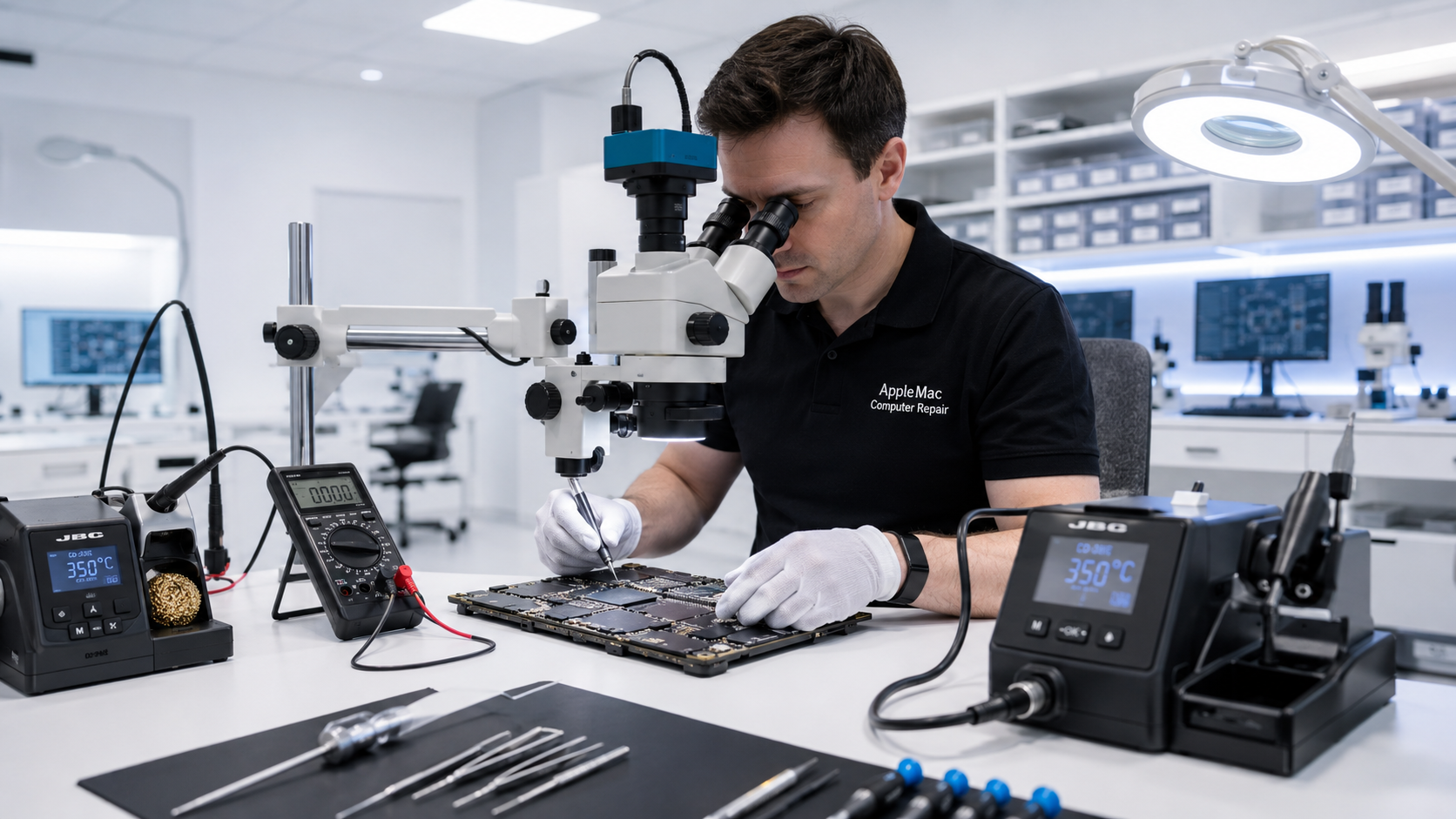
Software or Hardware?
A Mac software problem is not always caused by software. Slow performance, freezing, startup failures and crashes can also be caused by a failing SSD or hard drive, insufficient free storage, memory problems, overheating or logic-board faults.
We diagnose the cause first instead of automatically erasing the Mac or reinstalling macOS.
Startup loops, progress bar problems, blank screen after startup, repeated restarts or macOS failing to load.
Spinning beach ball, applications taking too long to open, system freezing or unusually slow everyday performance.
Applications that will not open, unexpectedly quit, freeze or stop working correctly after a macOS or application update.
Updates that fail, cannot complete, repeatedly restart or leave the Mac unable to boot normally.
Outdated-browser messages, certificate errors, websites that no longer load correctly or browsers that cannot be updated because macOS is too old.
Low disk space, startup-disk-full warnings, storage errors or performance problems caused by a failing or overloaded drive.
Older Mac?
If an older Mac is running an outdated version of macOS, modern browsers and websites may stop working correctly. Depending on the exact model and hardware, we can assess whether a newer suitable macOS can be installed.
On supported older systems, an SSD upgrade may also be recommended before installing a newer operating system so the Mac has adequate storage performance.
Learn about macOS Upgrade →Protect Your Data
If your Mac contains important documents, photos or other files, tell us before service. When practical, we assess the storage and data situation before performing an erase or clean installation.
If the storage device appears to be failing, data recovery may need to take priority over software repair.
Learn about Mac Data Recovery →Complete Mac Diagnosis
A damaged operating system and failing hardware can produce similar symptoms. We can check the SSD or hard drive, thermal condition and other hardware when the symptoms suggest the problem goes beyond macOS.
If we identify a logic-board fault, we can continue with component-level diagnosis rather than treating the problem as software only.
Learn about Logic Board Repair →No iPhone • No iPad • No Windows computers
We confirm what the Mac is doing, when the problem started and whether important data needs protection.
We check macOS, storage and relevant hardware to determine the actual source of the problem.
Depending on the diagnosis, we repair macOS, correct the software problem, upgrade the system or address the underlying hardware fault.
We verify startup, system stability and the functions related to the original problem.
No. We first diagnose the problem. A reinstall is only one possible solution, and we consider the condition of your storage and important data before recommending it.
Possible causes include software problems, insufficient free storage, an aging or failing hard drive or SSD, overheating, or other hardware issues. Diagnosis is the best way to determine the cause.
If the problem is caused by an outdated macOS and browser, installing a newer suitable macOS may restore compatibility with newer browser versions. Compatibility still depends on the Mac model and the requirements of the website or application.
Yes, we can diagnose update and startup problems. We also check whether storage or hardware issues contributed to the failed update.
Tell us before service. If there is a risk of storage failure or data loss, we can assess whether data recovery should be handled before software repair.
Repair Request
Providing the model and a clear description of the problem helps us prepare for your appointment.

Your message has been sent successfully. We’ll get back to you within one business day.