Mac Won’t Turn On
We evaluate no-power Macs with data preservation in mind and determine whether the original hardware can be repaired sufficiently to access the data.
Mac Data Recovery Edmonton
If your Mac will not turn on, has liquid damage, has a logic-board fault, or no longer gives you access to important files, we may still be able to recover your data. We specialize exclusively in Apple Mac computers and perform the work in Edmonton without outsourcing.
By appointment only – no walk-ins accepted
more than 25 years of Mac repair experience • Approx. 95% historical success rate on accepted cases • Free Estimate • No Fix No Fee
Data Recovery Specialists
A Mac that appears completely dead may still contain recoverable data. In many cases, the key is correctly diagnosing the original hardware fault and choosing the recovery approach that gives the best chance of preserving the customer's information.
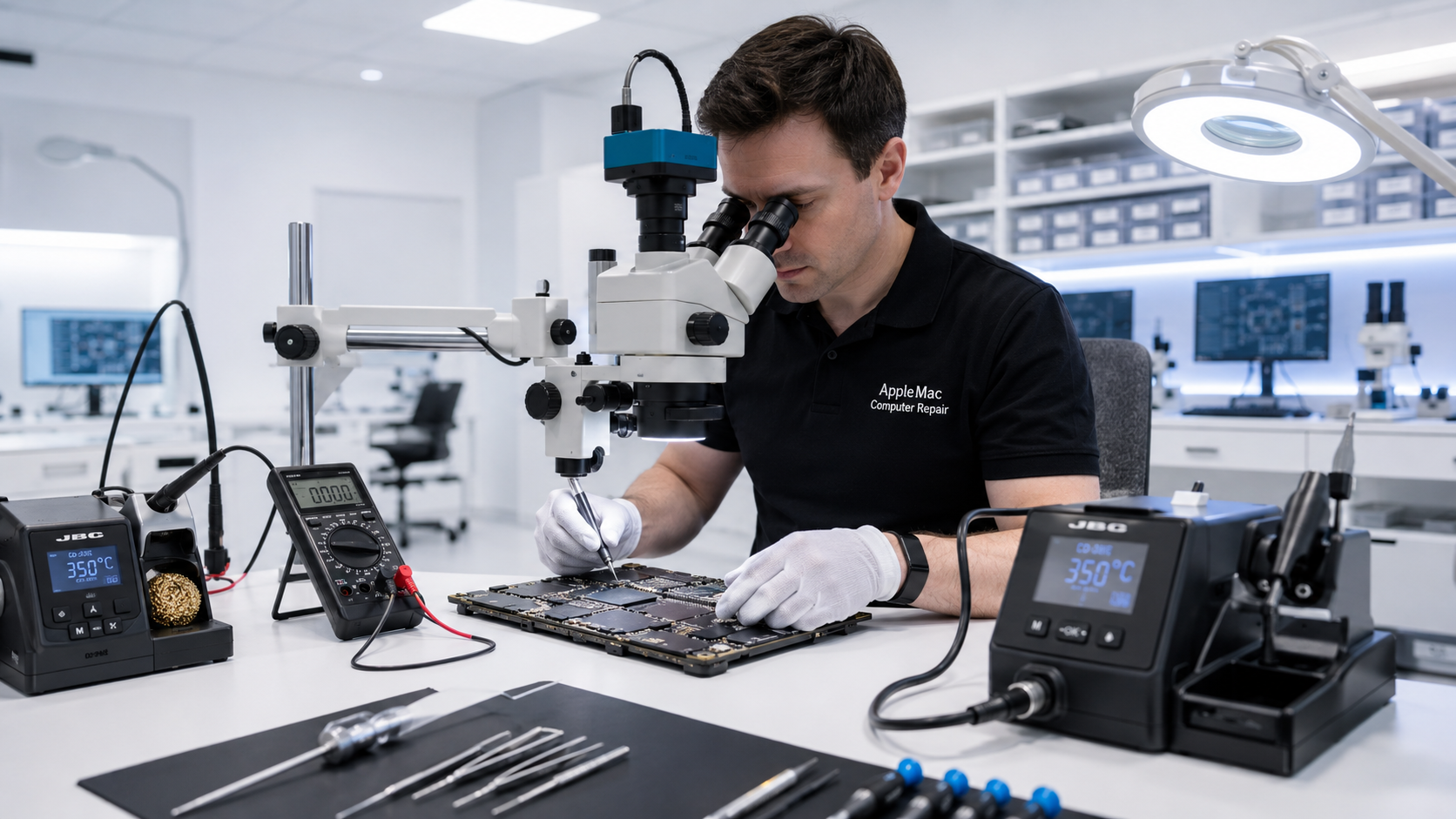
Because we also perform component-level logic-board repair, we can evaluate whether restoring the original board is the best path to reach the data rather than immediately replacing major assemblies.
We evaluate no-power Macs with data preservation in mind and determine whether the original hardware can be repaired sufficiently to access the data.
Liquid exposure can damage both power circuitry and storage access. We inspect, clean and repair affected hardware where a dependable recovery path exists.
When data depends on the original logic board, component-level diagnosis and repair can be critical to a successful recovery.
Why Timing Matters
The sooner a damaged Mac is assessed correctly, the better the opportunity to preserve its data. Repeated power-on attempts, unnecessary board replacement, aggressive cleaning, or unsuccessful repair work can sometimes make recovery more difficult.
If data recovery is your highest priority, we recommend avoiding additional repair attempts until the Mac has been professionally evaluated.
We can still assess devices that have already been worked on, but previous intervention can reduce the available recovery options depending on what was changed or damaged.
Our Experience
Based on our historical experience with the data-recovery and logic-board cases we accept for service, we have successfully completed approximately 95% of those cases.
Every Mac is different, and no repair or data-recovery outcome can be guaranteed. Success depends on the condition of the device, previous repair attempts, liquid damage, storage condition, and other technical factors.
Our focus is to use the most appropriate diagnostic and repair approach to maximize the chance of recovering important files while avoiding unnecessary work.
No iPhone • No iPad • No Windows computers
Mac Specialists Only
On many modern Macs, data access can depend on the condition of the original logic board and its associated hardware. Simply replacing the board may not solve a data-recovery problem.
Our component-level repair experience allows us to diagnose power, charging, liquid-damage and board-level faults while keeping data preservation as the primary goal when requested.
Learn about Mac Logic Board Repair →We review the symptoms, the history of the Mac, any liquid exposure, and previous repair attempts.
We diagnose the Mac to determine what is preventing normal startup or access to the data.
We choose the safest practical approach, which may include component-level repair of the original hardware where appropriate.
When recovery is successful, we verify the recovered data and transfer it to an appropriate customer-provided or approved destination.
Privacy & Confidentiality
We treat customer data as private. We access files only when required for the recovery or verification process, and only to the extent necessary to complete the requested service.
Whenever possible, customers should maintain their own backups before any repair. For Macs that are already non-working, we will explain the recovery options available after diagnosis.
Data recovery is a best-effort service and successful recovery cannot be guaranteed in every case.
Edmonton & Canada-Wide
All diagnosis and repair work is performed in Edmonton. We do not outsource your Mac to another repair centre, which means you can communicate directly with the technician working on the device.
Customers outside Edmonton can use our Canada-Wide Mail-In Repair service for supported Mac models.
Canada-Wide Mail-In Repair Instructions →In many cases, yes. A no-power condition does not automatically mean the data is lost. The recovery path depends on the Mac model and the condition of its storage and original logic board.
No. Repeated power attempts after liquid exposure can cause additional damage. If the data is important, stop using the Mac and have it assessed as soon as possible.
It is based on our historical experience with the data-recovery and logic-board cases we accept for service. It is not a guarantee, and individual results depend on the condition of each device.
Yes, we can still assess it. However, previous repairs, component replacement, board damage or repeated unsuccessful attempts may reduce the recovery options available.
No. Our Mac diagnosis and repair work is performed in Edmonton, allowing you to communicate directly with the technician handling the case.
No. We specialize exclusively in Apple Mac computers.
Yes. Supported Mac models can be sent through our Canada-Wide Mail-In Repair process. Please read the mail-in instructions before shipping.
Data Recovery from Non-Working Macs
We can recover data from Mac computers that are not working, will not power on, or have suffered liquid damage.
Our data recovery service covers all Mac computer models, including MacBook, MacBook Air, MacBook Pro, MacBook Neo, iMac, iMac Pro, Mac mini, Mac Pro and Mac Studio.
For a Mac that will not power on, we can perform component-level logic board diagnosis and repair when necessary to access and recover the data. For liquid-damaged Macs, we can assess the logic board and storage system with data recovery as the priority.
If your files are more important than getting the computer working again for normal use, please tell us before diagnosis or repair begins so we can approach the case specifically as a data-recovery job.
Repair Request
Providing the model and a clear description of the problem helps us prepare for your appointment.

Your message has been sent successfully. We’ll get back to you within one business day.