One or Two Keys
We first determine whether individual repair is practical instead of automatically replacing the entire keyboard.
MacBook Keyboard Repair Edmonton
If one or two MacBook keys are damaged, a complete keyboard replacement is not always necessary. When the internal key mechanism is still intact and working correctly, we first check whether the individual key can be repaired.
By appointment only – no walk-ins accepted
Edmonton #1 MacBook & iMac Repair Specialists • Serving Mac Owners over 25 years. • Free Estimate • No Fix No Fee
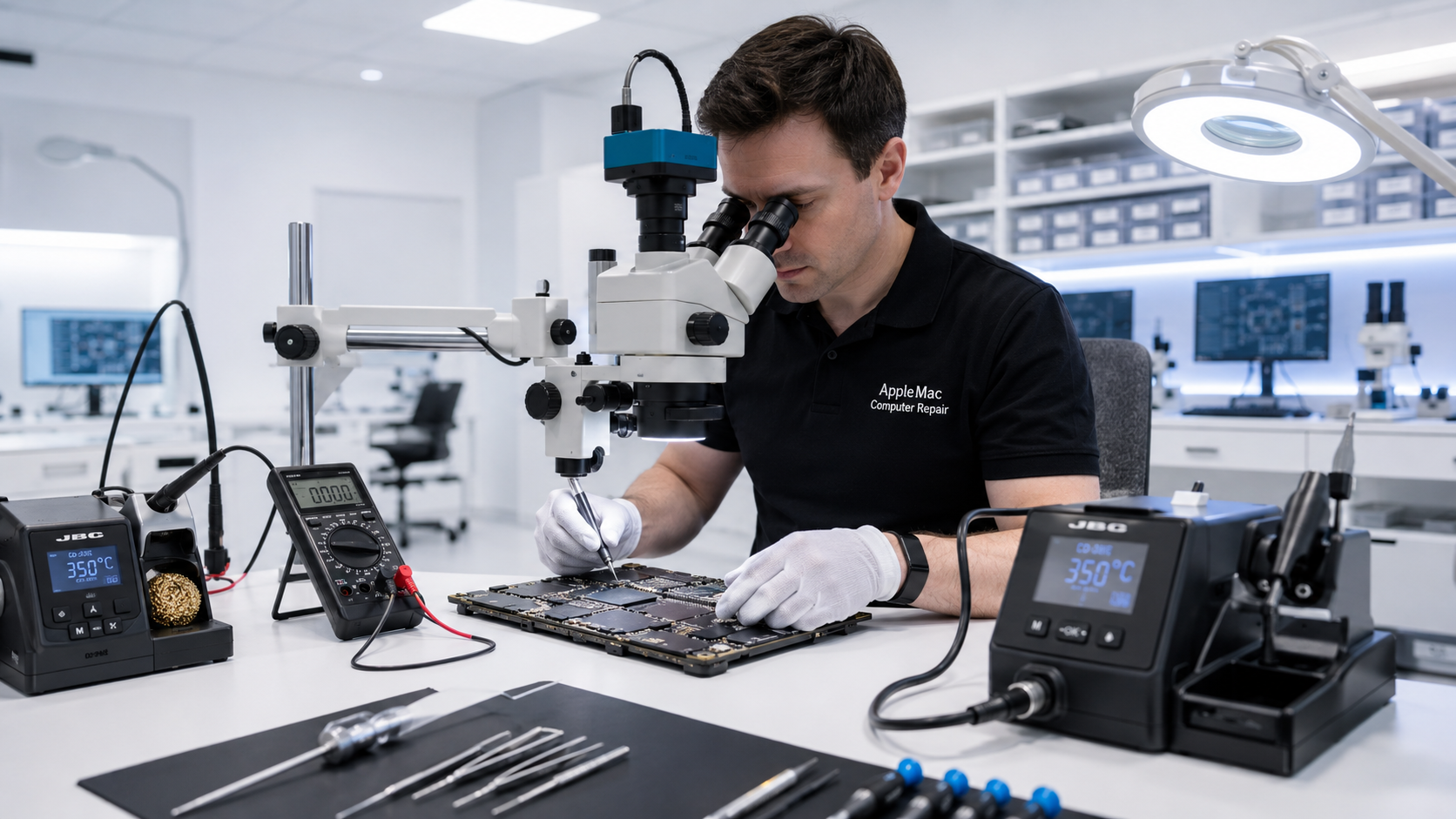
Individual Key Repair
If only one or two regular keys are missing, loose or damaged, we inspect the keycap and the mechanism underneath it before recommending a complete keyboard.
If the internal key mechanism, mounting points and key function are still working properly, we may be able to repair the individual key instead of replacing the whole keyboard.
Whether this is possible depends on the MacBook model, the key involved and the condition of the internal mechanism.
Important Exception
The Space bar and Enter/Return key are among the most frequently used MacBook keys and use larger or more complex mechanisms than many standard keys.
If the internal mechanism of the Space bar or Enter/Return key is damaged or unreliable, we generally do not recommend trying to repair only that key. Keyboard replacement is the more reliable option.
We inspect the keyboard first and explain the appropriate repair before proceeding.
We first determine whether individual repair is practical instead of automatically replacing the entire keyboard.
Several failed or intermittent keys may indicate a keyboard assembly, connector, liquid-damage or other internal problem.
Liquid can affect the keys, keyboard circuitry and logic board. We inspect the Mac to determine the extent of the damage.
Diagnosis Before Replacement
The problem may involve the key mechanism, keyboard assembly, internal connection, liquid damage or another circuit. We diagnose the fault before recommending keyboard replacement.
Learn about Mac Liquid Damage Repair →When the internal mechanism is broken, mounting points are damaged, several keys are affected, or an individual repair would not be dependable, keyboard replacement is the better option. After replacement, we test the keyboard and relevant functions before returning the MacBook.
No iPhone • No iPad • No Windows computers
We inspect the affected key, internal mechanism and surrounding keyboard.
We determine whether the fault is an individual key, keyboard assembly or another internal problem.
We repair one or two regular keys when practical, or recommend keyboard replacement when that is the more reliable solution.
We test the repaired or replaced keyboard before returning the MacBook.
Not always. If one or two regular keys are affected and the internal mechanism and mounting points are still working correctly, individual-key repair may be possible.
We inspect it first. If its internal mechanism is damaged or unreliable, we generally recommend keyboard replacement because the Space bar is heavily used and an individual repair may not remain dependable.
We inspect it first. If the Enter/Return key mechanism is damaged or unreliable, keyboard replacement is generally the more reliable repair.
Multiple failed keys can indicate a keyboard assembly, connection, liquid-damage or other internal problem. We diagnose the cause first.
Repair Request
Providing the model and a clear description of the problem helps us prepare for your appointment.

Your message has been sent successfully. We’ll get back to you within one business day.