SSD Upgrade
Replace a slow mechanical hard drive with solid-state storage on supported iMac models for much faster everyday performance.
iMac Upgrade Edmonton
If your iMac is still in good physical condition but has become slow or can no longer run a useful modern browser, an SSD, supported RAM upgrade and newer suitable macOS can give many older iMacs a new life.
By appointment only – no walk-ins accepted
more than 25 years of Mac repair experience • Free Estimate • No Fix No Fee • Upgrade recommendations based on your exact iMac model
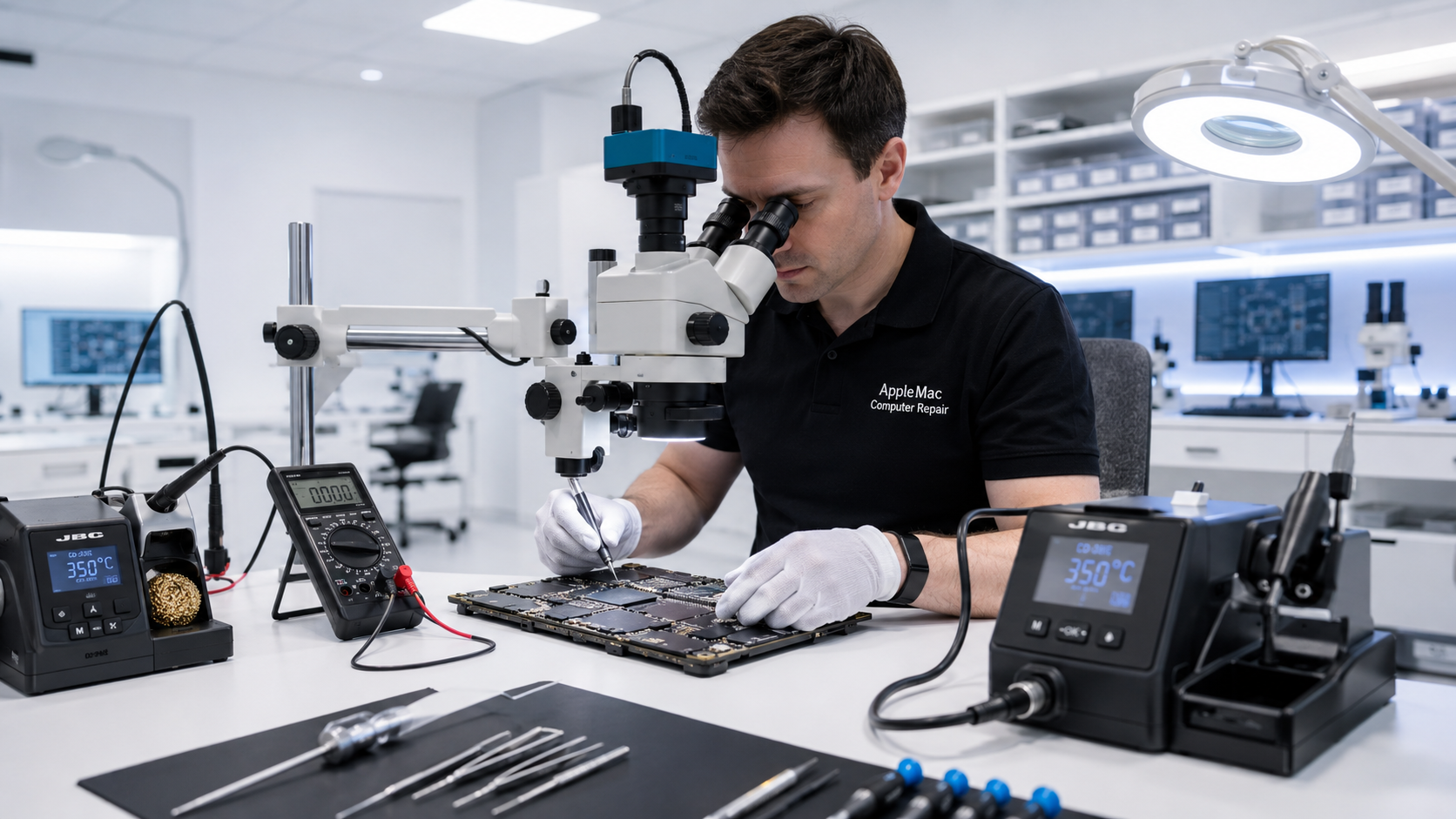
Give Your iMac a New Life
Many older iMac computers are slowed down by a mechanical hard drive rather than by the processor itself. Replacing an aging HDD with an SSD can dramatically improve startup, application loading, file access and overall responsiveness.
Where the model supports memory upgrades, additional RAM can also improve multitasking. After checking the hardware, we can install the highest suitable macOS version for the iMac and its intended use.
Replace a slow mechanical hard drive with solid-state storage on supported iMac models for much faster everyday performance.
Increase memory on iMac generations that support RAM upgrades. Upgradeability and practical limits depend on the exact model.
Install the highest suitable macOS for the iMac after considering model compatibility, storage performance, RAM and the applications you need.
Modern Browsing
An older macOS may no longer support current versions of Safari, Chrome, Firefox or other browsers. That can cause website compatibility problems, certificate errors or messages saying the browser is no longer supported.
Where the iMac hardware allows it, installing a newer suitable macOS can restore access to newer browser versions and resolve many problems caused specifically by an outdated operating system.
Very old hardware, individual websites and third-party applications can still have limitations, so we assess compatibility before recommending an upgrade.
Learn about macOS Upgrade →Performance Upgrade
Newer versions of macOS perform far better with fast solid-state storage than with an aging mechanical hard drive. For an older iMac still using an HDD, we generally evaluate the storage before recommending a major macOS upgrade.
An SSD does not make every component of the computer faster, but it can make the entire system feel much more responsive because startup, applications and files are accessed much faster.
Learn about SSD & RAM Upgrade →Keep Your Data in Mind
If your iMac contains important documents, photos or other files, tell us before service. We consider the condition of the existing drive and your data requirements before replacing storage or performing a clean macOS installation.
If the original hard drive is failing, data recovery may need to take priority over the upgrade.
Learn about Mac Data Recovery →We confirm the exact model, year, existing storage, RAM and current macOS.
We determine which SSD, RAM and macOS options are technically appropriate and worthwhile.
We complete the approved hardware and operating-system work while considering your data requirements.
We verify startup, storage, memory, macOS operation and the functions relevant to the upgrade.
It depends on the exact model, physical condition, processor, storage, RAM and what you need to use it for. We assess these factors before recommending that you spend money on an upgrade.
For an iMac still using a mechanical hard drive, an SSD can provide a major improvement in startup, application loading, file access and general responsiveness.
No. RAM upgradeability varies by model and generation. We verify the exact iMac before recommending a memory upgrade.
No. The suitable macOS depends on the exact hardware and compatibility requirements. We recommend the highest suitable version rather than promising that every old iMac can run the newest release.
If the errors are caused by an outdated macOS and unsupported browser, a newer suitable macOS can often restore compatibility with newer browsers. Some websites or very old hardware may still have limitations.
Repair Request
Providing the model and a clear description of the problem helps us prepare for your appointment.
Your message has been sent successfully. We’ll get back to you within one business day.