Pop-Ups & Fake Warnings
Repeated advertising, fake security alerts or browser notifications that appear unexpectedly.
Mac Virus & Malware Removal Edmonton
Unexpected pop-ups, browser redirects, suspicious extensions, unwanted applications or strange Mac behaviour? We inspect the system, remove identified unwanted software and help restore normal browser and macOS operation.
By appointment only – no walk-ins accepted
more than 25 years of Mac repair experience • Professional diagnosis • Free Estimate • No Fix No Fee • Apple computer specialists in Edmonton
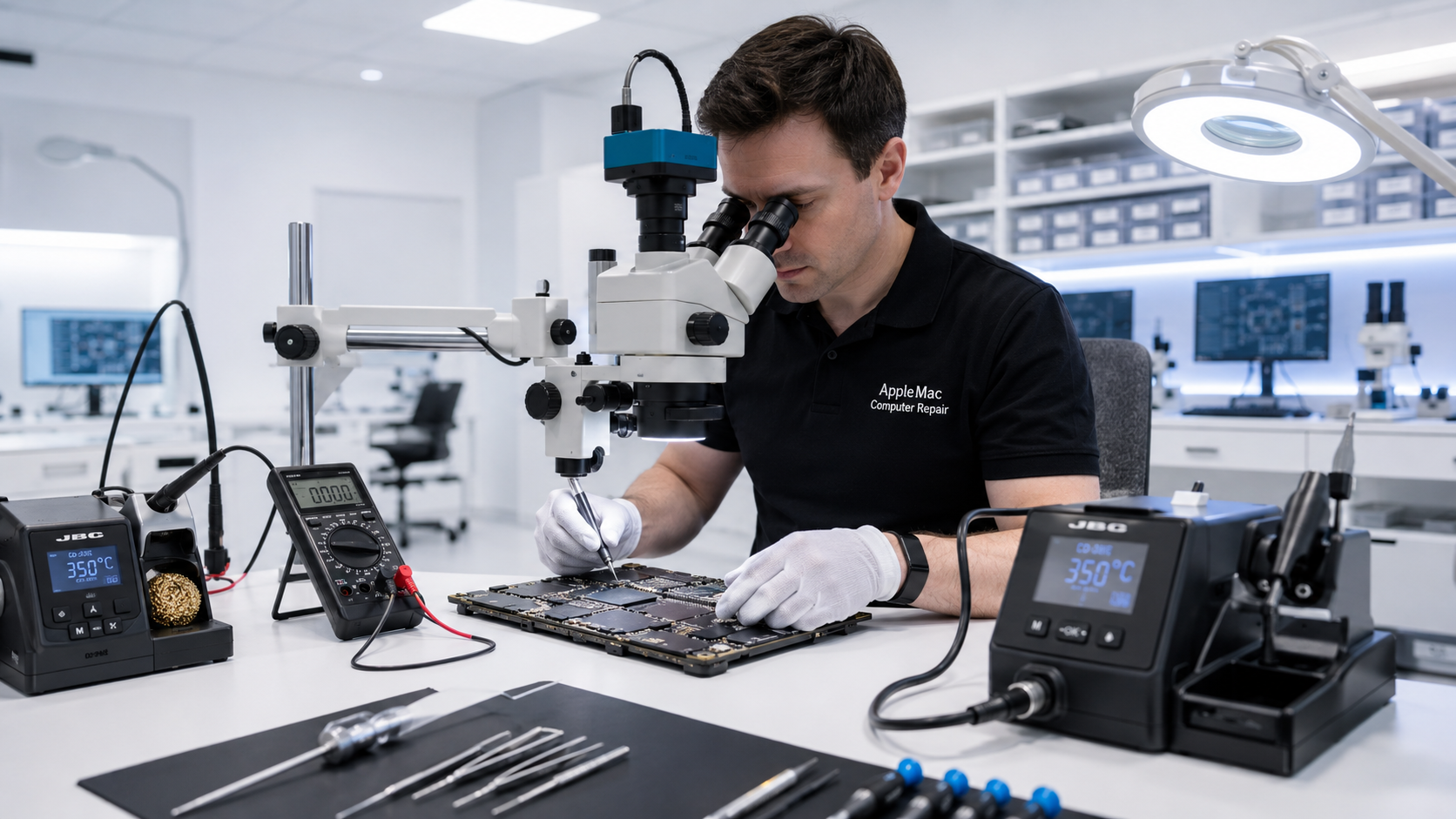
Professional Mac Cleanup
Repeated advertising, fake security alerts or browser notifications that appear unexpectedly.
Your browser opens unwanted websites, searches are redirected or the homepage/search settings change without your intention.
Unknown browser extensions, toolbars or add-ons may change browser behaviour or generate unwanted advertising.
Applications or background items you do not remember installing may have arrived with other downloads or installers.
Unwanted background software can contribute to slow performance, although storage or hardware problems can produce similar symptoms.
Some alarming messages are website notification permissions rather than a Mac infection. We identify the cause before making changes.
Diagnosis First
A suspicious message can come from a website, browser notification, unwanted extension, adware, a misleading application or other software. Slow performance can also be caused by low storage space, an aging drive or a hardware problem.
We diagnose what is actually happening before recommending cleanup, software repair or hardware service.
Our Cleanup Process
Depending on what we find, service may include removing identified unwanted applications, suspicious browser extensions, unwanted startup/background items and problematic browser settings.
We can also check macOS and browser configuration after cleanup and verify that the original unwanted behaviour has stopped.
Important Account Security
Removing unwanted software from the Mac does not automatically secure an online account whose password may have been exposed. If you believe you entered account credentials into a suspicious website, change the affected password using a trusted device or verified official service and review the account's security settings.
For important accounts, enable multi-factor authentication where the provider supports it.
Older macOS
An older Mac may be unable to install current browser versions because its macOS is outdated. Depending on the exact model and hardware, we can assess whether a newer suitable macOS can be installed.
This can improve compatibility with newer browsers and websites, although no operating system or security product can guarantee protection from every future threat.
Learn about macOS Upgrade →No iPhone • No iPad • No Windows computers
Software Troubleshooting
If the Mac continues to freeze, crash or run slowly after unwanted software is removed, the cause may be a separate macOS, storage or hardware problem. We can continue with complete software and hardware diagnosis.
Learn about Mac Software Troubleshooting →We identify the pop-ups, redirects, unwanted applications or other behaviour you are seeing.
We check relevant applications, browser settings, extensions and background/startup items.
We remove identified unwanted software and correct the affected software or browser settings as appropriate.
We verify normal browser and macOS operation related to the original symptoms.
Yes. Macs can be affected by unwanted software, adware, malicious or misleading applications, browser extensions and other security threats.
No. Some warnings are generated by websites or browser notifications. We identify the source before recommending removal or repair.
Not automatically. We first inspect the system and determine what action is appropriate. A complete erase and reinstall is not required for every unwanted-software problem.
No service can guarantee protection from every future threat. Safe browsing habits, current software and appropriate account-security practices remain important.
Software cleanup alone does not change an exposed password. Change the affected password through the verified service, preferably from a trusted device, and enable multi-factor authentication where available.
Repair Request
Providing the model and a clear description of the problem helps us prepare for your appointment.

Your message has been sent successfully. We’ll get back to you within one business day.