macOS Problems
Diagnose startup errors, system instability, unexpected behaviour, update failures and other operating-system issues.
Corporate & Enterprise macOS Support • Edmonton
Professional macOS troubleshooting and support for corporate offices, professional organizations, institutions and enterprise Mac environments.
We help resolve operating-system, software, user-account, storage, performance and connectivity problems that interrupt your team's work — without requiring a mandatory monthly IT contract.
By appointment only – no walk-ins accepted
macOS Troubleshooting • Software Support • On-Demand IT Assistance • Edmonton
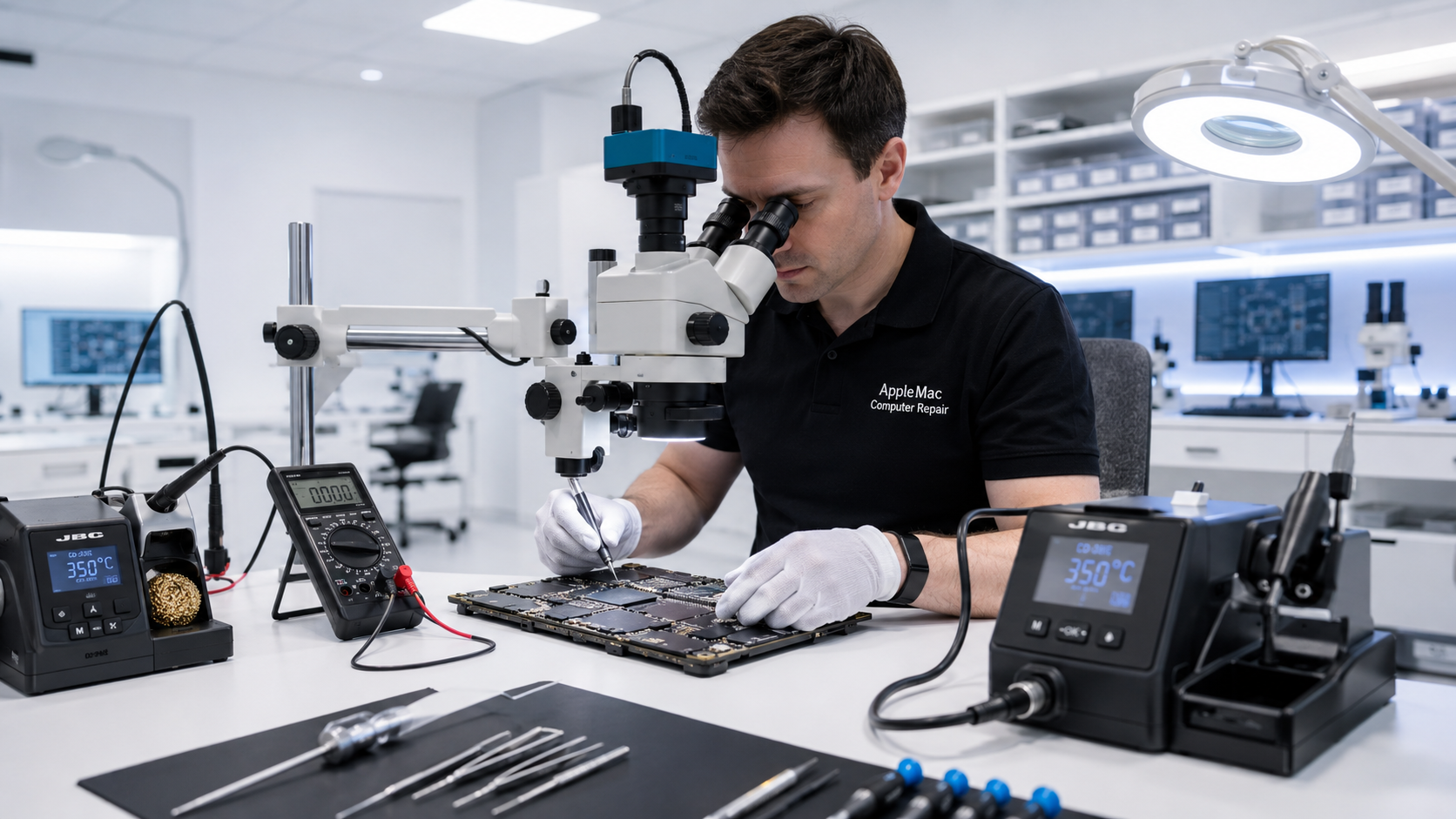
Professional macOS Support
A Mac can have perfectly functional hardware and still become difficult to use because of macOS errors, application conflicts, account problems, storage shortages or configuration issues.
We troubleshoot the system as a whole and help identify whether the problem is software, configuration, storage or hardware related.
Operating System & Software
Diagnose startup errors, system instability, unexpected behaviour, update failures and other operating-system issues.
Troubleshoot applications that fail to launch, crash, behave incorrectly or conflict with the current system configuration.
Help with local user accounts, login problems, permissions and common profile-related issues.
Investigate slow Macs to determine whether software, storage, configuration or hardware is contributing to poor performance.
macOS Upgrades
Before upgrading an important business Mac, it is worth checking hardware compatibility, available storage, application requirements and backup status.
We can help evaluate the Mac and install an appropriate macOS version supported by the computer, while considering the applications and workflow the user depends on.
Software or Hardware?
Some symptoms that appear to be macOS problems can actually be caused by failing storage, logic-board faults or other hardware issues. Likewise, a hardware replacement is not always necessary when the underlying problem is software.
Our Mac repair experience allows us to investigate both possibilities before recommending the next step.
Corporate & Enterprise Mac Support →Important Data
Organizations should maintain current backups of important information. If the Mac contains critical data and no current backup exists, tell us before diagnostic, repair or operating-system work begins.
Read the Data-Loss Disclaimer →Related Managed IT Services
Hardware and IT support for offices, organizations and larger Mac environments.
View Enterprise Mac Support →Prepare new and replacement Macs for employees and teams.
View Mac Setup & Deployment →Plan practical backups and discuss recovery options when business data becomes inaccessible.
Backup & Recovery →Get specialist help when required without a mandatory monthly managed-services contract.
On-Demand IT Support →Need macOS Help?
Tell us the Mac model, macOS issue, number of affected systems and how the problem is affecting your users or organization.
Education macOS Support
We support schools with macOS, application, account, storage and performance problems affecting staff and administrative Macs. We are working with many schools and can provide flexible Apple-focused assistance when technical problems arise.
Repair Request
Providing the model and a clear description of the problem helps us prepare for your appointment.
Your message has been sent successfully. We’ll get back to you within one business day.