Fan or Airflow Problem
A fan that is not operating correctly, restricted vents, or internal dust can reduce cooling performance.
Mac Overheating & Fan Noise Repair Edmonton
If your Mac is running unusually hot, the fans stay at high speed, or performance drops when the computer heats up, we diagnose the cause before replacing parts or thermal paste.
By appointment only – no walk-ins accepted
more than 25 years of Mac repair experience • Thermal diagnosis first • Free Estimate • No Fix No Fee
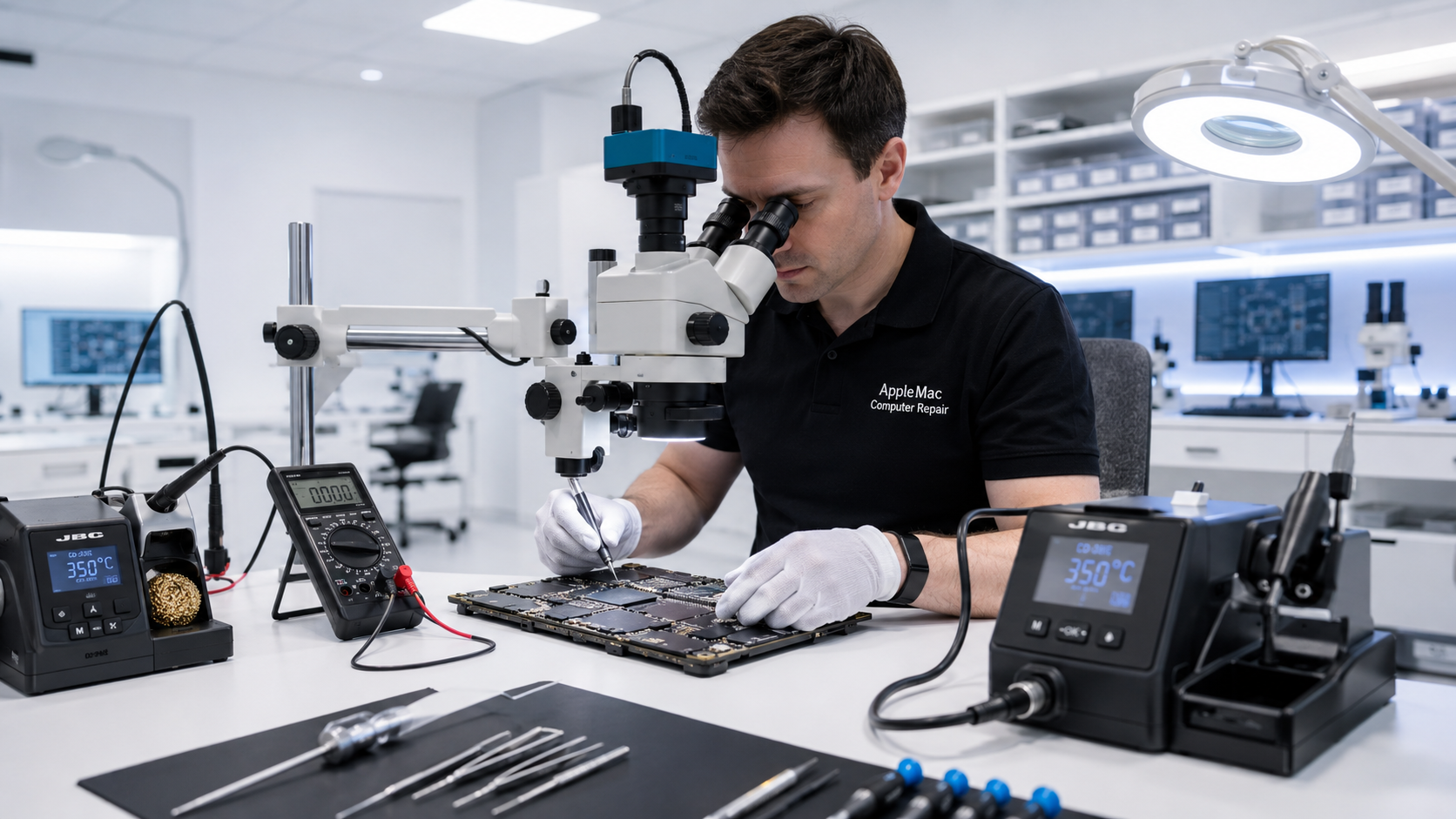
Diagnosis Before Thermal Paste
Apple computers are designed with a thermal system intended to operate for years, and we do not recommend replacing thermal paste simply as routine maintenance when the Mac is operating normally.
If a Mac is overheating, running its fans unusually fast, or showing heat-related performance problems, then it is worth inspecting the complete cooling and thermal system. The cause may be thermal interface material, but it can also be a fan, blocked airflow, dust buildup, temperature-sensor issue, power problem, or a logic-board fault.
A fan that is not operating correctly, restricted vents, or internal dust can reduce cooling performance.
If diagnosis indicates poor heat transfer between a processor and its heatsink, the thermal interface material can be inspected and serviced where appropriate.
A temperature sensor, fan-control circuit, power issue, or other logic-board fault can cause abnormal fan behaviour or incorrect thermal management.
Common Symptoms
Thermal Paste
We do not automatically replace thermal paste just because a Mac is several years old. If the Mac has normal temperatures and cooling behaviour, unnecessary disassembly may provide little benefit.
When testing and inspection indicate a heat-transfer problem, or when the heatsink has been removed as part of a relevant repair, we can service the thermal interface as appropriate for that Mac.
Component-Level Repair
If the fans and physical cooling system are functioning correctly, abnormal fan behaviour or heat symptoms may be related to sensors, power circuitry or another logic-board issue.
Because we perform component-level logic-board diagnosis, we can investigate beyond the fan and thermal paste instead of replacing cooling parts unnecessarily.
Learn about Mac Logic Board Repair →No iPhone • No iPad • No Windows computers
We review when the Mac becomes hot, when the fans become noisy, and whether performance or stability is affected.
We check fans, airflow, dust, vents and the physical cooling system.
We determine whether service is required for a fan, thermal interface, sensor, logic board or another component.
After the appropriate repair, we test fan operation, temperatures and system stability.
Normally, no. We do not recommend routine thermal-paste replacement when the Mac is operating at normal temperatures. We inspect or replace it when symptoms and diagnosis indicate a thermal-interface problem or when relevant repair work requires heatsink removal.
High fan speed can occur during demanding work, but persistent abnormal fan behaviour can also be caused by heat, blocked airflow, a fan problem, sensor issue or logic-board fault. Diagnosis is required to identify the cause.
Heavy dust buildup can restrict airflow and reduce cooling efficiency. We inspect the cooling path and fans when diagnosing overheating.
Yes. Sensor, fan-control, power or other logic-board faults can sometimes cause abnormal fan behaviour even when the fan itself is working.
Repair Request
Providing the model and a clear description of the problem helps us prepare for your appointment.

Your message has been sent successfully. We’ll get back to you within one business day.