Mac mini Won’t Turn On
No power, no startup response, or a Mac mini that appears completely dead. We diagnose the power path and logic board before recommending replacement.
Mac mini Repair Edmonton
We repair Mac mini systems for no-power problems, storage failure, overheating, fan noise, logic-board faults, macOS issues and data recovery. We diagnose the actual cause before replacing expensive parts.
By appointment only – no walk-ins accepted
more than 25 years of Mac repair experience • Component-level diagnosis • Free Estimate • No Fix No Fee • Repairs completed in Edmonton
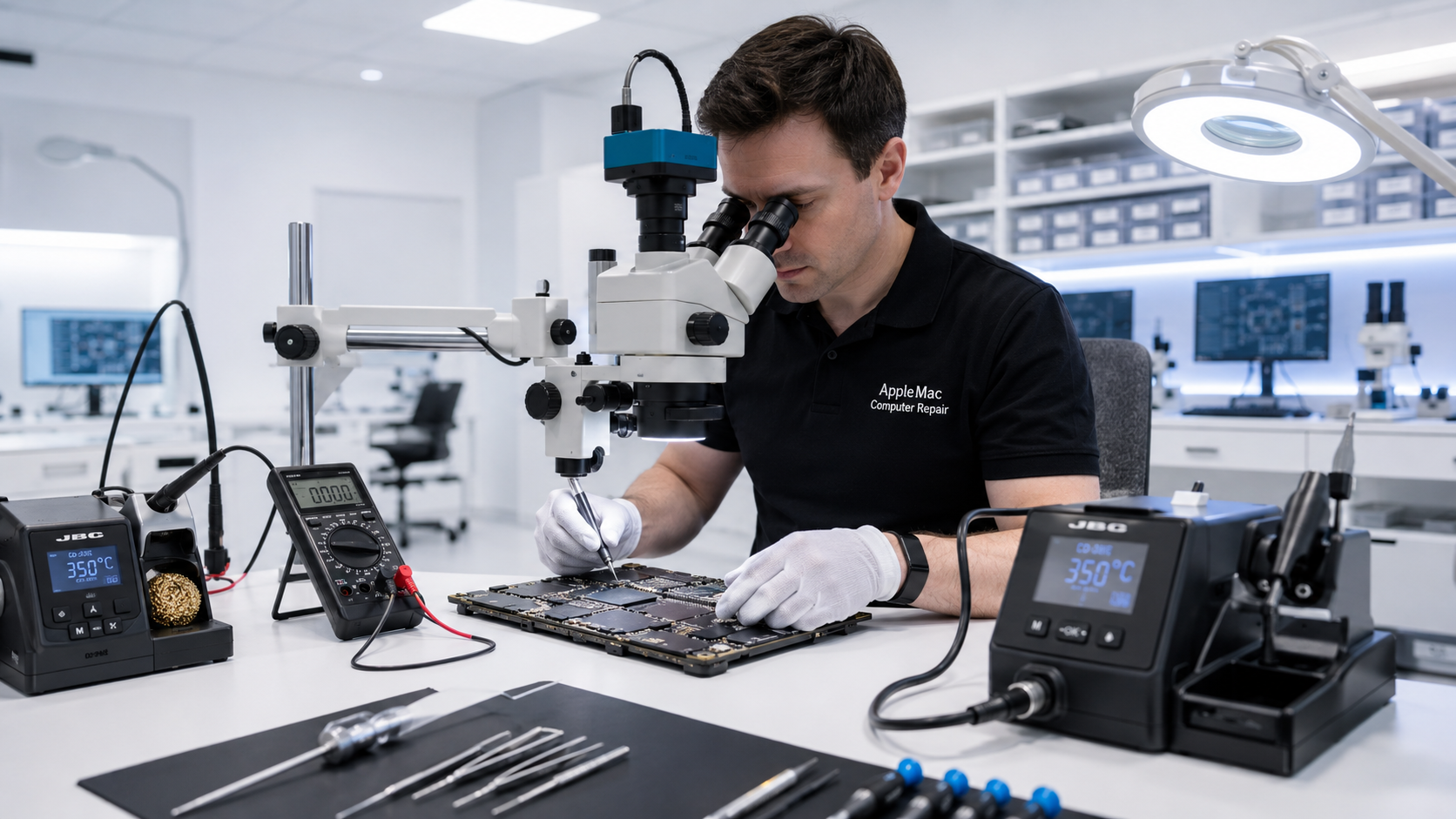
Complete Mac mini Service
No power, no startup response, or a Mac mini that appears completely dead. We diagnose the power path and logic board before recommending replacement.
Slow startup, failed storage, missing startup disk, or a Mac mini that cannot load macOS normally.
High fan speed, heat, thermal throttling or unusual fan noise can be caused by airflow, fan, sensor or logic-board problems.
Diagnosis Before Replacement
Symptoms can look similar even when the underlying fault is very different. A Mac mini that does not boot may have a storage problem, macOS problem, power issue or logic-board fault.
We identify the actual cause first and repair or replace only what is required.
Storage & Performance
Some older Mac mini models support internal storage upgrades and can benefit significantly from faster SSD storage.
Newer Mac mini generations may use integrated or model-specific storage designs that are not upgradeable in the same way. We check the exact model and year before recommending any storage upgrade.
Learn about SSD & RAM Upgrade →Logic Board Repair
If the Mac mini has no power, unstable power, display-output problems, USB/Thunderbolt faults or other internal issues, the fault may be on the logic board.
Where practical, we diagnose and repair the failed circuit or components instead of automatically replacing the complete logic board.
Learn about Mac Logic Board Repair →macOS & Software
If the Mac mini is running an outdated operating system or has a damaged macOS installation, we can assess the hardware and install the highest suitable macOS version for that model and year.
We also consider storage speed, RAM, software compatibility and the customer’s intended use before recommending an upgrade.
Learn about macOS Upgrade →No iPhone • No iPad • No Windows computers
Cooling & Fan Problems
Heat or fan problems can be caused by dust, airflow restriction, fan failure, sensor issues, thermal interface problems or logic-board faults.
We diagnose the cooling system before replacing fans or thermal paste unnecessarily.
Learn about Overheating / Fan Noise / Thermal Service →Data Recovery
If the Mac mini will not power on or the storage cannot be accessed normally, recovery options may still exist depending on the model, storage design, logic-board condition and any previous repair attempts.
If your data is important, tell us before any reinstall, storage replacement or further repair work.
Learn about Mac Data Recovery →We confirm the exact Mac mini generation, hardware configuration and reported symptoms.
We test the relevant power, storage, cooling, software and logic-board systems.
We complete the approved repair or supported storage/RAM/macOS upgrade.
We verify startup, storage, cooling and the functions relevant to the completed work.
Yes. We diagnose no-power Mac mini systems and perform component-level logic-board repair where appropriate.
No. Storage upgradeability depends on the exact model and generation. Some older Mac mini systems support conventional internal storage upgrades, while newer models may use integrated or model-specific storage designs.
No. RAM upgradeability depends on the model. Many newer Mac mini systems use integrated memory that cannot be upgraded after purchase.
Yes, where appropriate. We assess the exact Mac mini model and install the highest suitable macOS for its hardware and intended use.
In many cases there may still be recovery options. The result depends on the model, storage design, logic-board condition and previous repair attempts.
Repair Request
Providing the model and a clear description of the problem helps us prepare for your appointment.

Your message has been sent successfully. We’ll get back to you within one business day.