Cracked or Broken Screen
Physical damage, cracked glass or a damaged LCD/display panel.
MacBook Screen Replacement Edmonton
Cracked screen, damaged display, flickering image, lines, backlight problems or a MacBook screen that stays black? We diagnose the display problem first and replace the screen assembly when replacement is the correct repair.
By appointment only – no walk-ins accepted
more than 25 years of Mac repair experience • Most common screens in stock • Free Estimate • No Fix No Fee
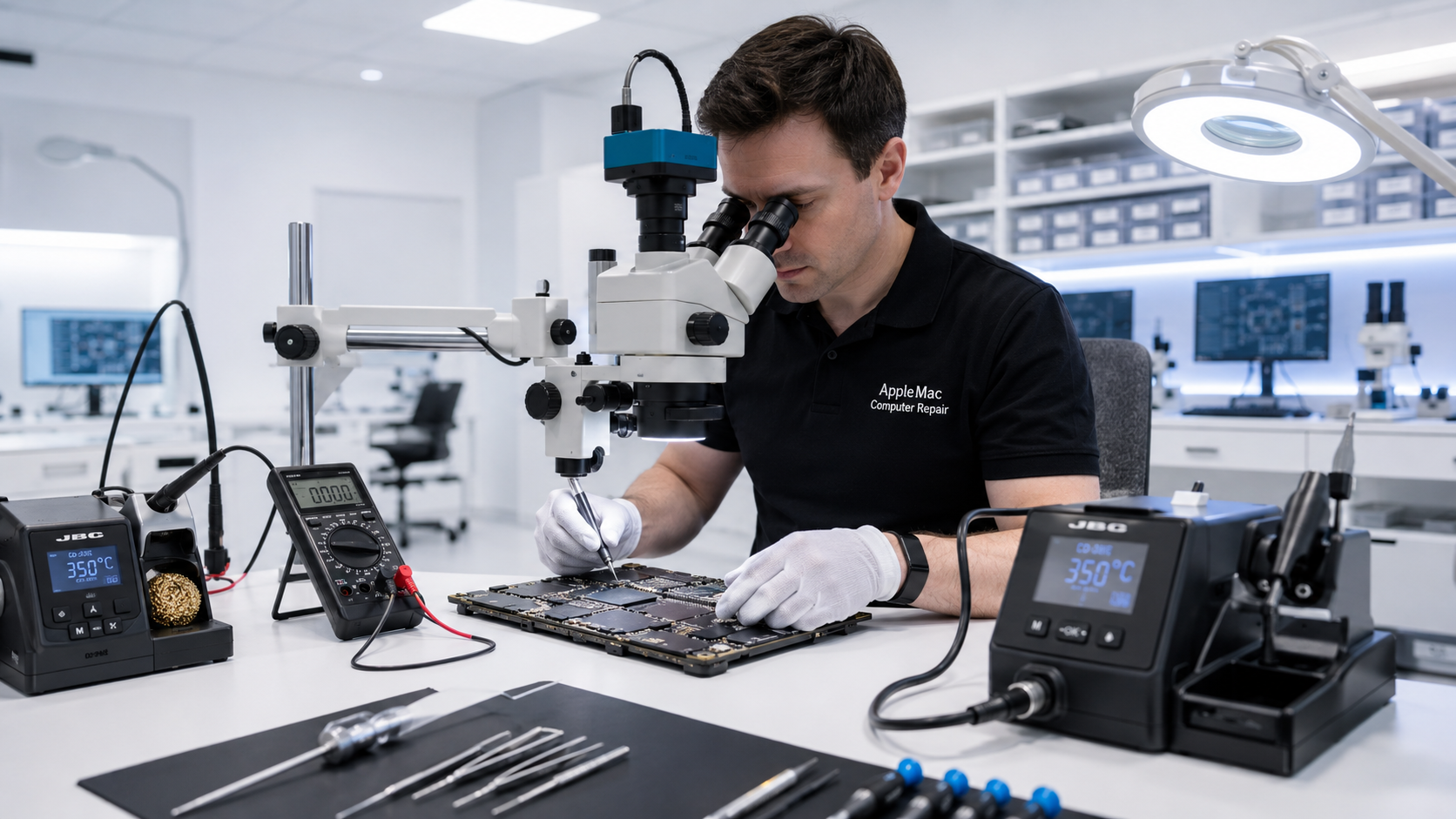
Fast Screen Replacement
We keep many commonly required MacBook screens in stock, so you often do not need to wait several days for a replacement display to arrive.
When the correct screen for your MacBook is in stock and diagnosis confirms screen replacement is required, we can often return your computer within approximately three hours or by the next day.
Turnaround depends on the MacBook model, screen availability, the condition of the computer and the time the Mac is received. We will confirm availability and the expected completion time after checking your model.
Correct Diagnosis First
Some display symptoms can come from the screen assembly, while others can be caused by a logic-board, backlight, connector, power or other internal fault. Before recommending an expensive display replacement, we diagnose the Mac to confirm where the problem is coming from.
Physical damage, cracked glass or a damaged LCD/display panel.
Vertical or horizontal lines, unusual colours, intermittent image or display distortion.
The Mac may turn on but the built-in screen remains dark. We confirm whether the screen or another circuit is responsible.
Mac Specialists
Our goal is not simply to sell a screen assembly. We first determine whether replacing the display will actually solve the problem. If the fault is elsewhere in the Mac, we explain the diagnosis and the appropriate repair option.
When screen replacement is required, the Mac is tested after installation for image quality, backlight operation, camera and other relevant display functions.
No iPhone • No iPad • No Windows computers
Important Screen Policy
Replacement screens are fragile components and are not covered by our repair warranty or guarantee after the repaired Mac has been returned to the customer.
Physical damage, cracks, pressure damage, impact, accidental damage, liquid exposure, flex damage, cosmetic damage, or a display that is subsequently damaged are not covered.
We inspect and test the replacement display before the Mac is returned. Customers should inspect the repaired screen when collecting the computer or promptly after receiving a mail-in return.
Our general repair warranty applies to the issue we repaired where stated in our Warranty & Repair Policies, but screen replacement is specifically excluded because of the fragile nature of display assemblies.
Read Warranty & Repair Policies →Some repair businesses advertise a warranty, but physical or accidental screen damage is commonly excluded when a customer later requests replacement. We prefer to explain our screen policy clearly before the repair so there is no misunderstanding about what is and is not covered.
We confirm whether the display assembly is actually responsible for the symptom.
We explain the recommended repair and provide the applicable estimate before proceeding.
When approved, the defective display assembly is replaced using a compatible quality part.
We inspect image quality and test the functions relevant to the display repair before return.
No. A black display can have several causes. We diagnose the Mac first to determine whether the screen assembly or another component is responsible.
A physically cracked or damaged display generally requires replacement of the appropriate display assembly. We confirm the model and damage before providing the repair option.
No. Because replacement screens are fragile and can be damaged by impact, pressure, handling, liquid or other external causes after return, screen replacements are excluded from our repair warranty and guarantee. Please review our written Warranty & Repair Policies before service.
We keep many common MacBook screens in stock. When the correct screen is available and diagnosis confirms replacement is required, we can often return the MacBook within approximately three hours or by the next day. Less common models or screens that need to be ordered will require additional time.
No. We specialize in Apple Mac computers only and do not repair iPhone, iPad or Windows computers.
Repair Request
Providing the model and a clear description of the problem helps us prepare for your appointment.

Your message has been sent successfully. We’ll get back to you within one business day.