Service Recommended
macOS reports that the battery needs service or its usable capacity has significantly declined.
MacBook Battery Replacement Edmonton
Does your MacBook battery drain quickly, show “Service Recommended,” shut down unexpectedly, or no longer hold a useful charge? We diagnose the battery and charging system first, then replace the battery when replacement is the correct solution.
By appointment only – no walk-ins accepted
more than 25 years of Mac repair experience • Free Estimate • No Fix No Fee • Repairs completed in Edmonton
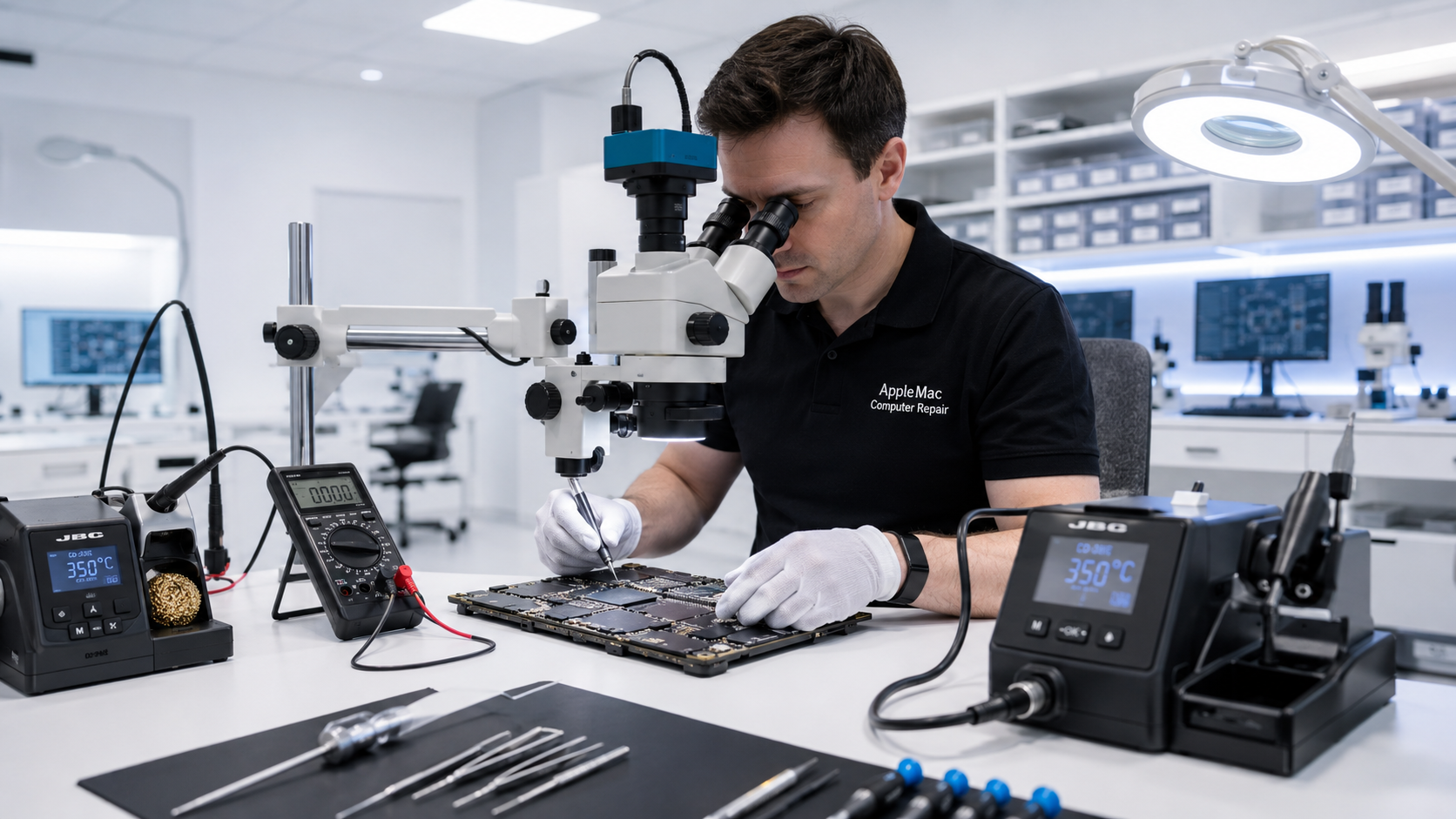
Battery Diagnosis First
Poor battery life can be caused by an aged battery, but charging problems, power-management faults, software activity, or logic-board issues can sometimes produce similar symptoms. We check the condition of the Mac before recommending replacement so you do not pay for a battery that will not solve the actual problem.
macOS reports that the battery needs service or its usable capacity has significantly declined.
The MacBook runs for much less time than expected even after reaching a full charge.
The MacBook turns off unexpectedly, especially when operating from battery power.
Important
A swollen battery can place pressure on the trackpad, keyboard, enclosure and other internal components. If you notice the bottom case separating, the trackpad becoming difficult to click, or visible swelling, stop using the MacBook and arrange professional service.
Do not press, puncture, bend or attempt to remove a swollen battery yourself.
Professional Battery Service
We evaluate the reported symptoms and battery condition and, when necessary, check charging behavior to determine whether battery replacement is appropriate.
If the MacBook has a charging-system or logic-board problem instead, we can diagnose that separately rather than replacing the battery unnecessarily.
Learn about Mac Charging Problem Repair →Battery replacement applies to Mac models that contain an internal battery.
No iPhone • No iPad • No Windows computers
Battery Replacement Process
MacBook batteries are internal components and some models use strong adhesive or model-specific mounting methods. We perform the replacement using the appropriate procedure for the MacBook model and inspect the surrounding area during service.
After installation, we verify that the Mac recognizes the replacement battery and check charging and basic battery operation before return.
We review the battery complaint and inspect the MacBook for battery-related or charging-related symptoms.
We determine whether battery replacement is appropriate or whether another charging or power fault needs attention.
The old battery is removed and the compatible replacement battery is installed using the appropriate procedure for the model.
We verify battery recognition, charging behavior and the functions relevant to the completed repair.
Many battery replacements can be completed quickly when the correct battery is available. Most of our repair work is completed within 24 to 48 hours, and we will confirm the expected turnaround after checking your exact MacBook model and battery availability.
Contact us with the model information from your MacBook and we can check the appropriate battery before your appointment.
It commonly indicates that the battery has deteriorated or needs attention, but we still evaluate the MacBook and its symptoms before recommending replacement.
Yes. Charging circuitry, a charger connection, power-management faults or other issues can sometimes produce battery-related symptoms. That is why we diagnose before replacing parts.
We can assess MacBooks with swollen batteries. Stop using the computer and do not press, puncture, bend or attempt to remove the battery yourself.
Battery replacement does not normally require erasing the Mac. However, customers should maintain a current backup whenever possible because data loss can occur with any computer service or hardware failure.
Most of our repair work is completed within 24 to 48 hours. Actual battery-replacement time depends on the MacBook model, battery availability and the condition of the computer.
No. We specialize in Apple Mac computers only and do not repair iPhone, iPad or Windows computers.
Repair Request
Providing the model and a clear description of the problem helps us prepare for your appointment.

Your message has been sent successfully. We’ll get back to you within one business day.