Wi-Fi Not Working
The Mac cannot see wireless networks, cannot connect, or shows Wi-Fi as unavailable.
Mac Wi-Fi & Bluetooth Repair Edmonton
If your Mac cannot connect to Wi-Fi, keeps dropping the wireless connection, cannot find Bluetooth devices, or Bluetooth disconnects repeatedly, the problem may not be just a software setting. We diagnose the complete wireless system before replacing parts.
By appointment only – no walk-ins accepted
Edmonton #1 MacBook & iMac Repair Specialists • Serving Mac Owners over 25 years. • Free Estimate • No Fix No Fee • Repairs completed in Edmonton
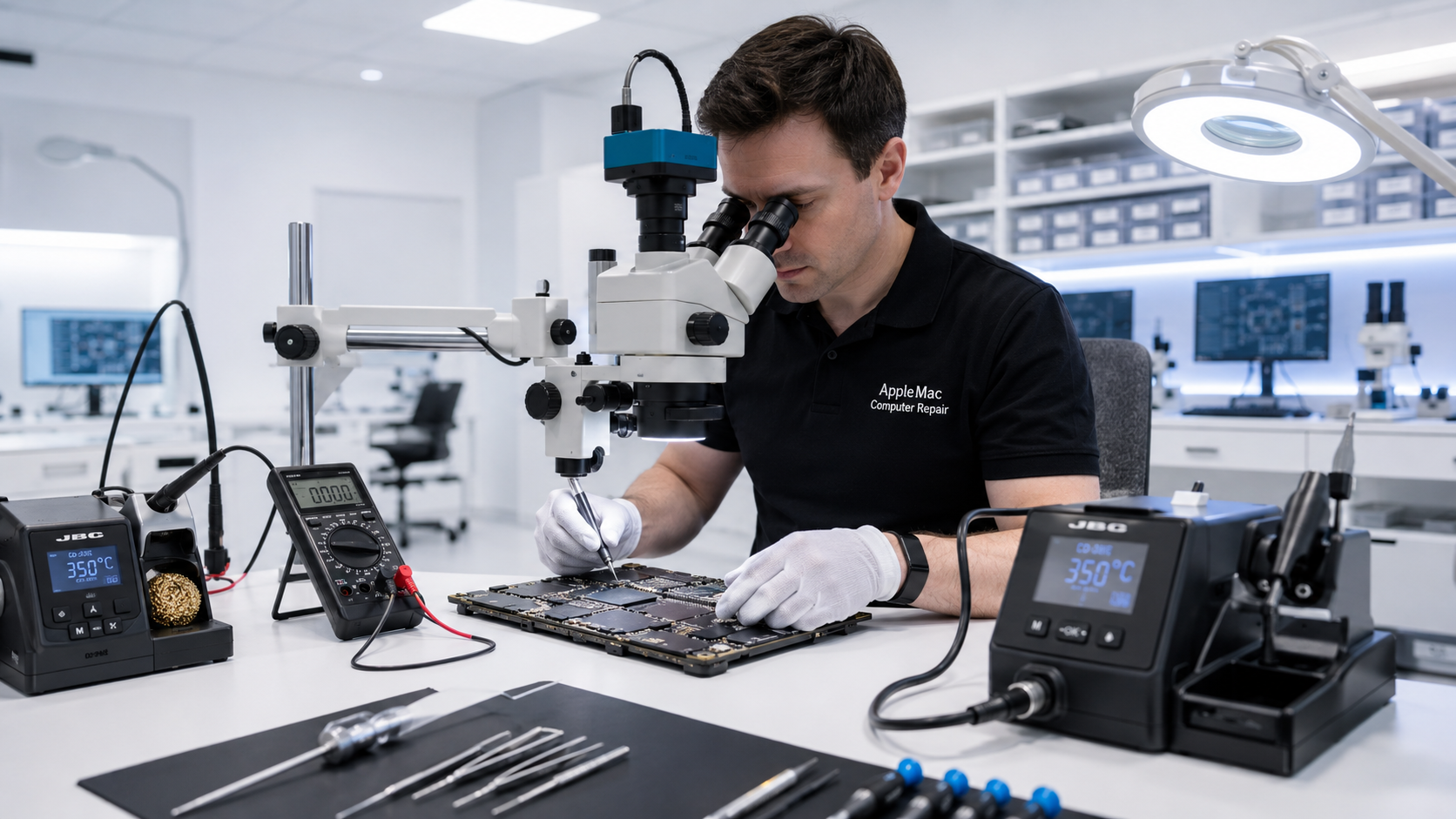
Diagnosis Before Replacement
A weak or missing wireless connection does not automatically mean the Wi-Fi/Bluetooth hardware itself needs replacement.
The fault may be related to software, the wireless module, antenna or cable, an internal connector, liquid damage, or logic-board circuitry. We diagnose the actual cause first, then repair or replace only what is necessary.
The Mac cannot see wireless networks, cannot connect, or shows Wi-Fi as unavailable.
The connection drops repeatedly, becomes unstable, or works only at very short range.
The Mac cannot find, pair with, or maintain connections to Bluetooth devices such as keyboards, mice, headphones or other accessories.
Find the Actual Fault
Antenna & Cable Problems
If the wireless hardware is detected but Wi-Fi range is poor or the connection drops easily, the issue may be related to the antenna system, antenna cable, internal connector or physical damage rather than the wireless module itself.
We inspect the relevant cables and connections before recommending more expensive replacement work.
Logic Board Diagnosis
If the antenna, cable and wireless hardware appear normal but the Mac still cannot communicate correctly, the problem may be on the logic board.
Because we perform component-level logic-board diagnosis, we can investigate power, communication and related circuitry rather than automatically replacing a wireless component.
Learn about Mac Logic Board Repair →No iPhone • No iPad • No Windows computers
Software or Hardware?
Not every wireless problem requires hardware repair. Network settings, damaged system configuration, software conflicts or operating-system problems can sometimes affect Wi-Fi or Bluetooth behaviour.
We first determine whether the fault is software-related or hardware-related before recommending parts replacement.
Learn about Mac Software Troubleshooting →We test Wi-Fi and Bluetooth operation and review when and how the connection problem occurs.
We determine whether the issue is related to macOS, configuration, the wireless hardware, antenna system or another internal component.
We repair or replace the affected cable, antenna, wireless component or related logic-board circuitry when appropriate.
We verify Wi-Fi connectivity, signal stability and Bluetooth operation after the repair.
No. The problem may be software, an antenna or cable, a connector, liquid damage or logic-board circuitry. We diagnose the cause before replacing parts.
Poor range can be caused by an antenna or cable issue, physical damage, interference or another wireless fault. Testing is required to determine the cause.
Yes. Power, communication or other logic-board circuitry can affect wireless operation even when the antenna and wireless hardware appear normal.
Yes. Liquid and corrosion can affect connectors, cables, wireless hardware and logic-board circuitry. We inspect the Mac to determine the extent of the damage.
Yes. Some wireless issues can be related to operating-system configuration or software. We determine whether the issue is software or hardware before recommending repair.
Repair Request
Providing the model and a clear description of the problem helps us prepare for your appointment.

Your message has been sent successfully. We’ll get back to you within one business day.