Software Update Stops Offering Newer Versions
We assess the exact Mac and determine which operating-system options are suitable for that model and hardware.
macOS Upgrade Edmonton
Is your Mac no longer offering the macOS version you want through Software Update? We assess the Mac's model year, hardware, storage and software requirements, then install the highest suitable macOS version for that computer.
By appointment only – no walk-ins accepted
more than 25 years of Mac repair experience • macOS installation & upgrade • Hardware assessment • Free Estimate
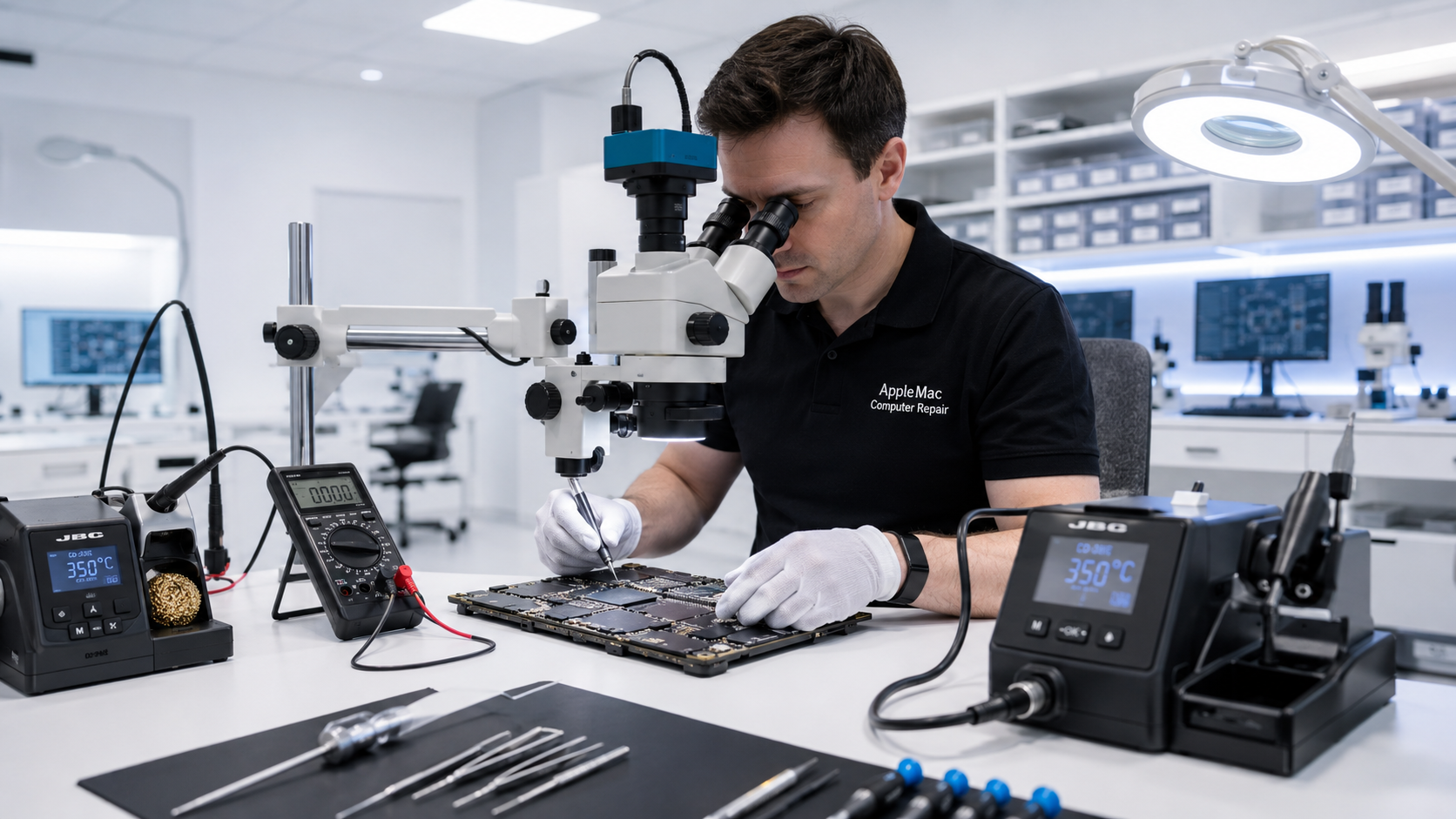
The Right macOS for Your Mac
Not every Mac should run the same operating-system version. The appropriate upgrade depends on the exact model, year, processor, memory, storage, graphics hardware and the applications you need.
We check the computer first and recommend the highest suitable macOS version that makes sense for its hardware and intended use.
We assess the exact Mac and determine which operating-system options are suitable for that model and hardware.
Browsers and applications can eventually require a newer operating system. We check whether a suitable upgrade can better support the software you need.
If macOS is damaged or unstable, or an SSD has been replaced, we can install and configure an appropriate macOS version.
Older iMacs & Macs
Many older iMacs use mechanical hard drives. Even when the Mac can run a newer suitable operating system, a slow hard drive can make modern macOS and applications feel sluggish.
For an older Mac that still uses a mechanical hard drive, we may recommend an SSD upgrade before or together with the macOS upgrade. Faster storage can significantly improve startup, application loading and everyday responsiveness.
Learn about SSD & RAM Upgrade →Compatibility Matters
Our goal is not simply to install the highest version number. Older hardware, limited RAM, mechanical storage and application compatibility can affect the experience. We consider how the Mac will be used and recommend the highest suitable version.
Your Files First
Customers should maintain a current backup before any macOS installation, upgrade or computer service. If the Mac does not start or its files cannot be accessed normally, tell us before operating-system work so we can discuss data recovery first.
Learn about Mac Data Recovery →Upgrade options vary by exact model and year.
We confirm the exact model, year, hardware and current operating system.
We review hardware capability, storage, applications and suitable macOS options.
After approval and preparation, we install the selected suitable macOS version.
We complete relevant updates and test startup and basic system operation.
We can assess the exact Mac model and determine which upgrade options are suitable for its year, hardware and your software needs.
We recommend the highest suitable macOS for the specific Mac rather than automatically choosing the newest version number.
If an older Mac or iMac still uses a mechanical hard drive, an SSD can provide a major improvement in responsiveness and may be recommended before or together with the operating-system upgrade.
An in-place upgrade is intended to preserve user data, but any operating-system installation or hardware service carries risk. Maintain a current backup before service. If a clean installation is required, we will discuss it first.
Yes. After an appropriate SSD installation, we can install and configure a suitable macOS version for the Mac.
Repair Request
Providing the model and a clear description of the problem helps us prepare for your appointment.
Your message has been sent successfully. We’ll get back to you within one business day.