Trackpad Not Responding
The pointer does not move, gestures do not work, or the trackpad appears completely dead.
MacBook Trackpad Repair Edmonton
If your MacBook trackpad is not working, difficult to click, intermittent or completely unresponsive, the trackpad itself may not be the only possible cause. The fault can also be the trackpad cable or connection, battery pressure, liquid damage, or a logic-board problem.
By appointment only – no walk-ins accepted
Edmonton #1 MacBook & iMac Repair Specialists • Serving Mac Owners over 25 years. • Free Estimate • No Fix No Fee • Repairs completed in Edmonton
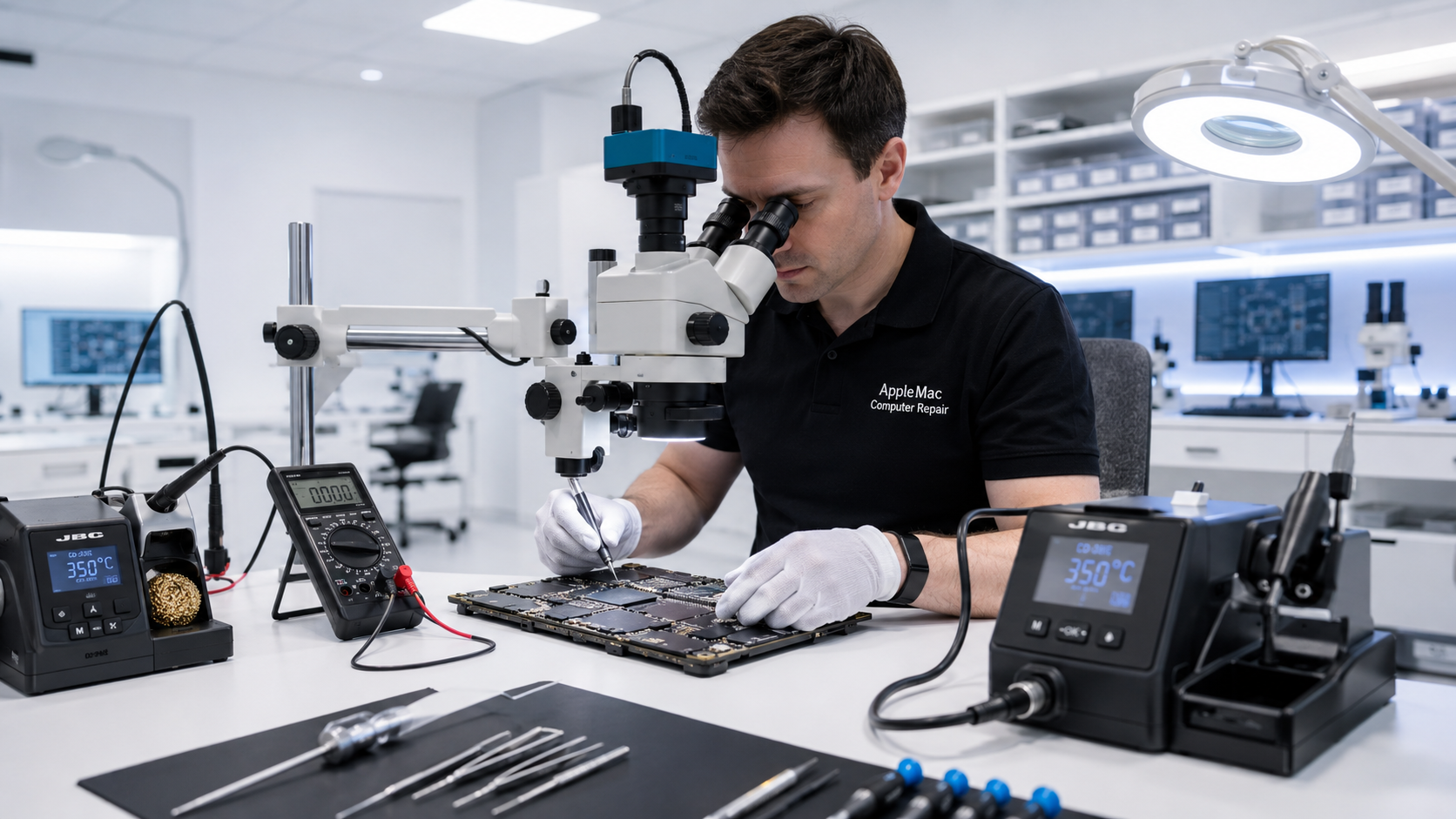
Diagnosis Before Replacement
A trackpad problem can come from several different parts of the MacBook. Replacing the trackpad without diagnosing the connection and related circuitry may not solve the problem.
We first determine whether the fault is the trackpad, trackpad cable or connection, battery pressure, liquid damage, or a logic-board issue. Then we repair or replace only what is actually required.
The pointer does not move, gestures do not work, or the trackpad appears completely dead.
The trackpad works sometimes, stops unexpectedly, or behaves differently when the MacBook is moved.
A trackpad that becomes difficult to click or appears raised can sometimes be caused by pressure from a swollen battery underneath or nearby.
Find the Actual Fault
Cable, Trackpad or Logic Board?
The trackpad communicates with the Mac through an internal cable and connection. If the cable is damaged, worn, contaminated or not making a reliable connection, the trackpad may stop working even though the trackpad assembly itself is still good.
When diagnosis confirms a cable or connection problem, we repair or replace the appropriate cable or connection instead of replacing a working trackpad unnecessarily.
Component-Level Diagnosis
If the trackpad and cable test correctly but the MacBook still does not recognize or communicate with the trackpad, the fault may be associated with the logic board.
Because we perform component-level Mac logic-board repair, we can continue diagnosis beyond the trackpad and cable rather than automatically replacing the trackpad assembly.
Learn about Mac Logic Board Repair →Trackpad repair applies to MacBook-family models with an integrated trackpad.
No iPhone • No iPad • No Windows computers
Important
A swollen MacBook battery can push against the trackpad and surrounding enclosure, making the trackpad difficult to click or causing it to sit unevenly.
If you notice the bottom case separating, visible swelling or unusual pressure around the trackpad, stop using the MacBook and arrange professional service.
Learn about MacBook Battery Replacement →We test the trackpad and review when and how the problem occurs.
We inspect the trackpad, cable, connections and surrounding components for damage, liquid or battery pressure.
We repair or replace the cable, trackpad or related component, or continue to logic-board diagnosis when required.
We verify pointer movement, click response, gestures and the functions relevant to the completed repair.
No. The problem may be the trackpad cable, connection, battery pressure, liquid damage or a logic-board fault. We diagnose the cause first.
Yes. A damaged or unreliable trackpad cable or connection can cause a completely dead or intermittent trackpad even when the trackpad itself is still functional.
Yes. Battery swelling can place physical pressure on the trackpad and enclosure, making the trackpad difficult to click or sit unevenly.
Yes. If the trackpad and cable are functioning but the MacBook cannot communicate with the trackpad correctly, further logic-board diagnosis may be required.
Yes. Liquid can affect the trackpad, cable, connectors and logic board. We inspect the MacBook to determine the extent of the damage.
Repair Request
Providing the model and a clear description of the problem helps us prepare for your appointment.

Your message has been sent successfully. We’ll get back to you within one business day.